
Devenia Learn / Dictionary
Understand CSS styling
CSS controls how HTML content looks: typography, colours, spacing, layout, and responsive behaviour. Use this guide to understand what styling changes and what it cannot fix.
Start with email. Share the page or your question, and we will answer clearly.
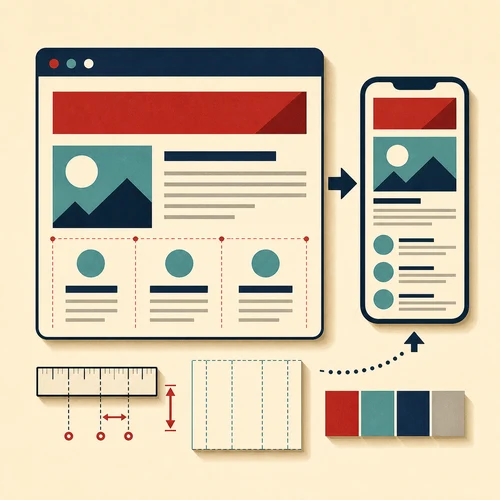
Use CSS as the presentation layer.
On a café menu, HTML identifies the heading, dishes and prices. CSS sets their type, spacing and alignment. It can place two menu columns beside each other on a wide screen and stack them on a phone, while keeping the same dishes and prices.
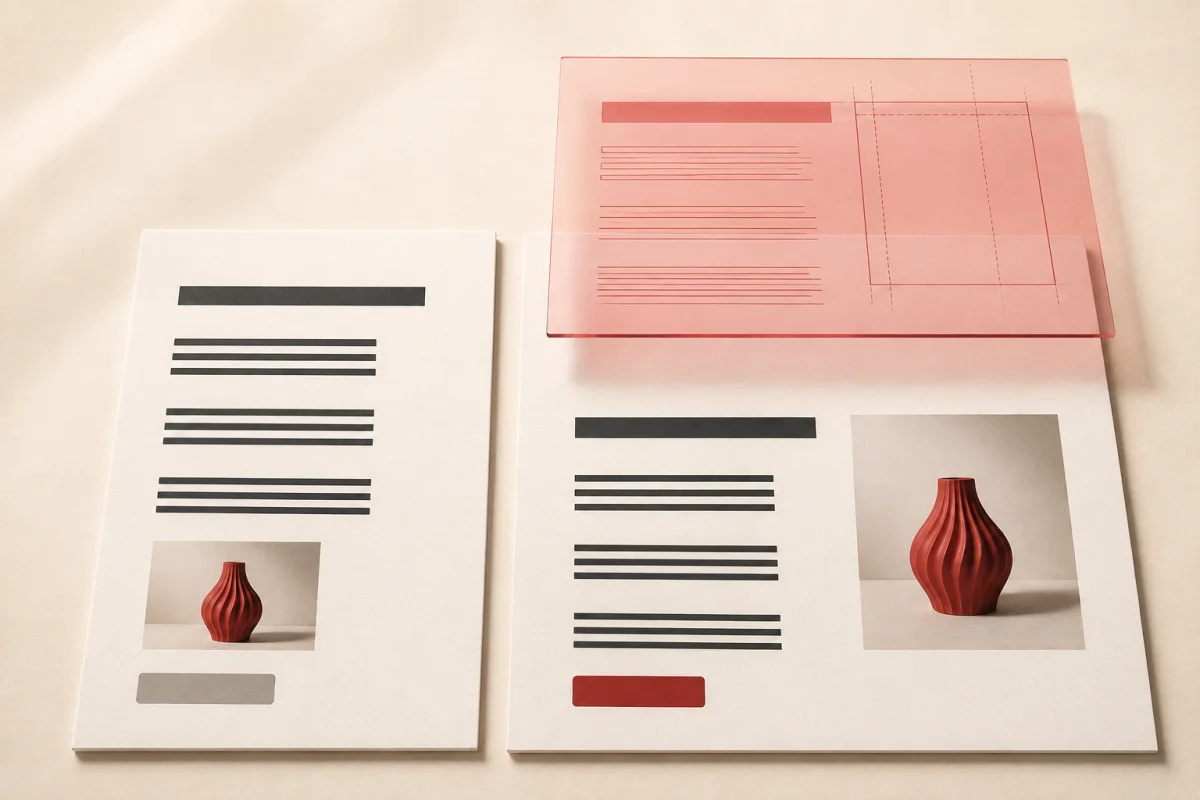
What styling can change
A larger heading cannot supply a missing opening time or explain an unclear offer. Fix the words first, then use styling to make them easy to find. For a first code example, see MDN’s introduction to CSS.
Why one style overrides another
Several rules can apply to the same element. The cascade determines which value the browser uses when they conflict. For example, a site-wide link colour and a separate navigation-link colour can both apply to a menu link.
If a colour change has no visible effect, inspect the element in the browser’s developer tools. The Styles panel shows matching rules and crossed-out declarations. Check which rule wins before adding another override.
Check whether people can use the page
After a styling change, test the page with real content. Long headings, menus and prices can reveal problems that short placeholder text hides.
Good styling helps visitors read and act. It does not guarantee search rankings. Google’s page-experience guidance makes clear that a good experience alone does not guarantee a top position.
CSS: common questions
Back to the dictionary.
What does CSS stand for?
CSS stands for Cascading Style Sheets. It controls how HTML elements look: typography, colours, spacing, and layout.
What is the difference between HTML and CSS?
HTML provides structure and meaning, such as headings, paragraphs, and lists. CSS provides presentation: how those elements look.
Do I need to learn CSS to build a website?
No. A theme or visual editor can provide colour, typography and layout controls. Use those controls first so related pages stay consistent. Learn CSS when you need to understand or change a presentation rule the available controls do not cover.
What is responsive design?
Responsive design means that a website adapts to different screen sizes. CSS changes layout and spacing for phones, tablets, and desktops.
Does CSS affect SEO?
CSS can affect how a page displays and loads, but changing colours or spacing does not by itself improve rankings. Keep useful content accessible and check mobile layout and loading behaviour when changing styles.
Do you have a practical question about CSS?
Send the page address, the element that looks wrong, and the screen size where you see it. Include what you expected to see so we can identify the styling change needed.