
Devenia Learn / Dictionary
What does a typical website need?
A typical business website explains the offer, shows who is behind it and gives visitors a way to act. Follow a bicycle workshop’s page plan to see what belongs where—and when another page earns its place.
A worked example: from “Can you fix my bike?” to a booking request.
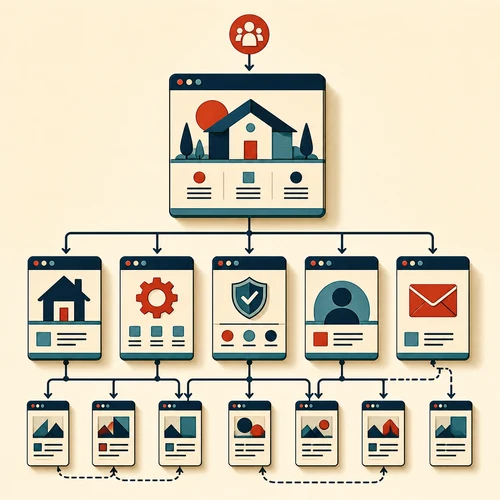
Choose pages around the visitor’s task.
For a bicycle repair shop, a visitor needs to know whether the shop fixes their bike, what a repair includes, where to bring it and how to arrange a visit. Those questions determine the pages.
Start with the purpose of the website and its audience. Add a page when it has a distinct job and enough useful information to do it.
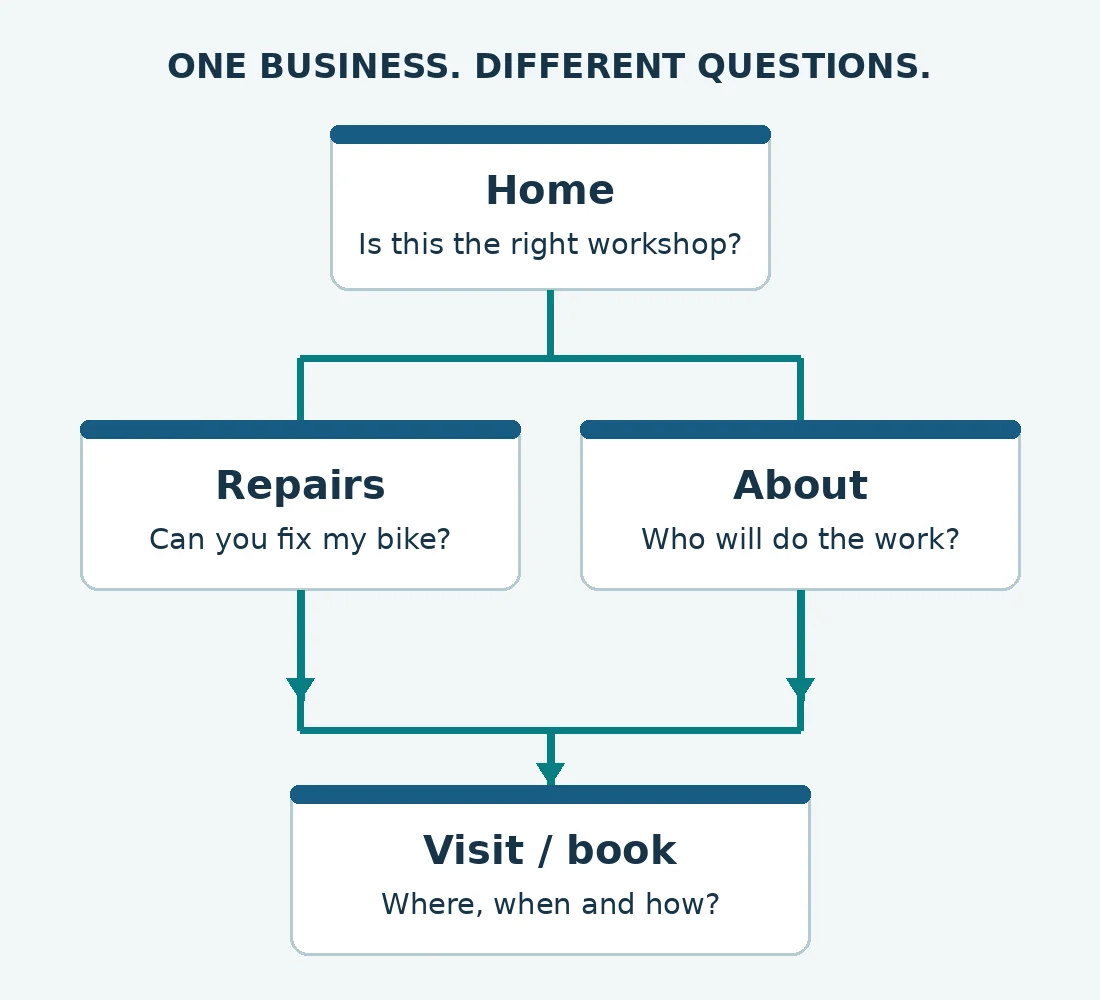
Example page map. The lines show useful links, not a compulsory order.
Give each page a question to answer
- Home: the types of bikes repaired, the area served and a clear route to book.
- Repairs: available jobs, what each includes, what affects the quote and how to request one.
- About: who will handle the bike, relevant experience and real workshop photographs.
- Visit or contact: address, opening hours, access details and whether a booking is required.
Place relevant customer examples beside the service they support. They do not need a separate “Trust” page.
Make the next step clear on every entry page
A specialist suspension service may need its own page if customers need different eligibility details, preparation instructions and booking options. A short answer about bringing a helmet can stay in the booking instructions.
Link from the repairs overview to the specialist service, then from that service to its booking route. A visitor arriving directly from a search engine should still find the next step.
Write this route into your website plan before building the navigation.
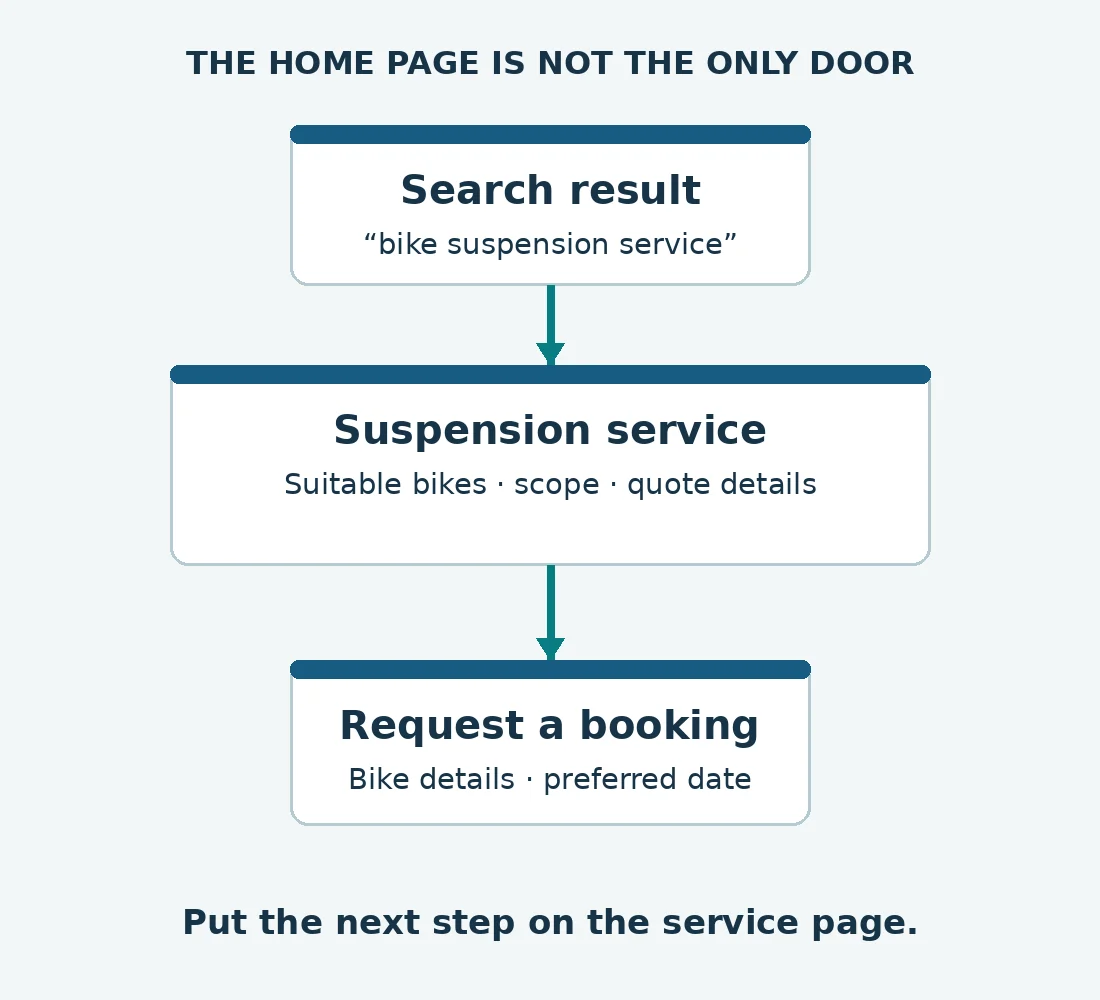
Example visitor route: search → service details → booking request.
A page also has its own structure
The header and navigation help visitors recognise the business and find its main sections. The main content answers the question that brought them to this page. The footer holds supporting links and contact information.
Keep the main menu consistent. Put a relevant next step beside the explanation where it makes sense: a repair booking link belongs with the repair details. See MDN’s guide to page and site structure for the technical distinction.
Common questions about website structure
Back to the dictionary.
Which pages does a typical website need?
Include what visitors need to choose and act: the offer, relevant evidence, who provides it and a way to buy, book or contact you. These can share a page when the offer is simple. Page names and page counts are secondary to those tasks.
How many pages should a small business website have?
There is no useful fixed count. Give a service its own page when it needs a distinct explanation or action. Keep closely related short answers together. If two pages answer the same question with nearly the same content, consider combining them.
Do I need a blog on a typical website?
No. Use a blog for useful updates or articles that deserve their own pages. Put essential service and booking information on the relevant service pages, where visitors need it. A permanent guide can answer a recurring question without a regular publishing schedule.
What makes a good website?
Ask someone unfamiliar with the business to find a suitable service and explain how they would book it. Watch where they pause, miss a link or need an answer the page lacks. Those observations give you specific changes to make.
What should I do before creating pages?
List the questions a visitor must answer before taking the next step. Group related questions, name a page for each distinct task, and draw the links between them. Use website planning to turn that outline into a page plan.
Turn your page list into a clear route
Send your current page list and the main action visitors should take. Point out where they get stuck, or which two pages seem to overlap, so we can help you decide what to combine or add.