
Plumber SEO
Plumber SEO That Turns Urgent Local Searches into Calls

Water on the floor. Or a bathroom on the drawing board.
Both customers need a plumber. Only one needs an answer right now.
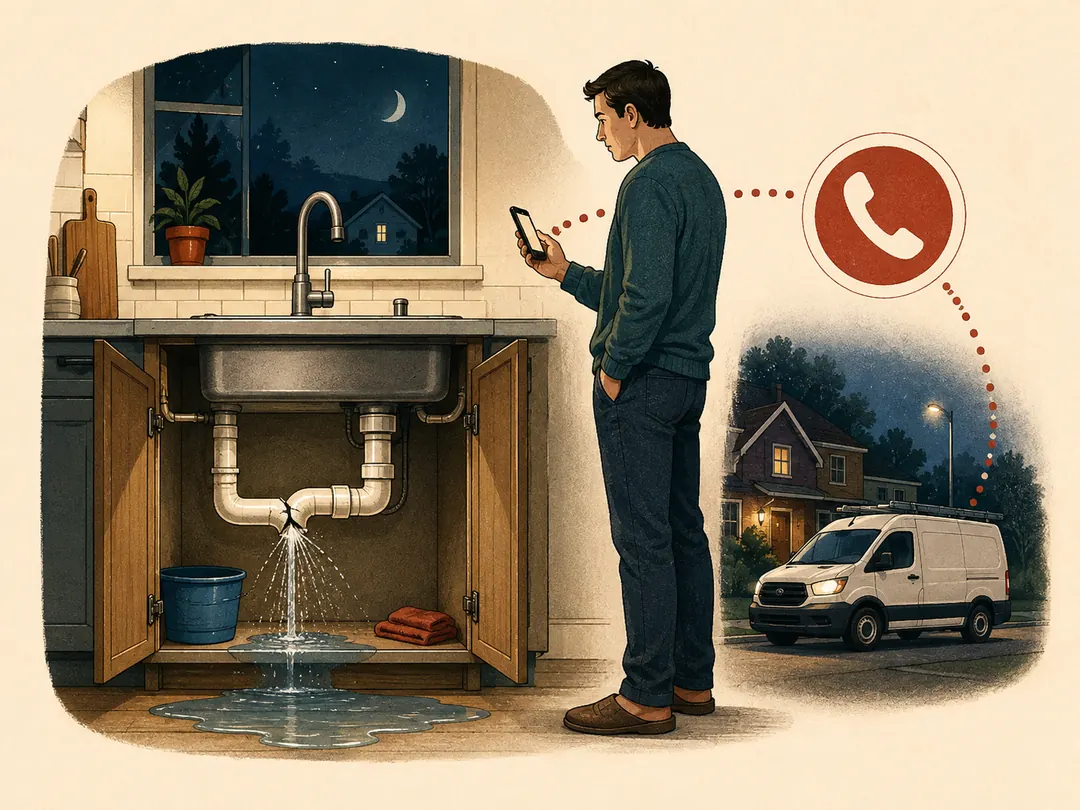
“Can you help me now?”
An urgent-service page must answer three questions: Do you fix this? Do you cover my address? Can I reach you now?
Show real contact hours and a clear call button. Promise “24-hour” or “same-day” only when you can deliver it.

“Are you right for this job?”
A planned-project page needs examples, a clear scope and a way to request an assessment. Let the visitor describe the work and location.
Different needs deserve different routes. Let the business assess urgency; a repair cannot always wait.
SEO connects those searches to your business through unpaid results. Start with the services and areas your team can actually cover, then give each customer a useful page and a contact route that works.
A search is not a booked job. Follow the connections.

The break matters. An unanswered enquiry stops the journey, even when the customer found the right page.
1. Get found
Match the service and area people search for. A visit is the beginning, not the result.
2. Make the choice clear
Show the work you do, where you do it and what the customer should do next.
3. Receive the enquiry
The call or form request must reach someone who can respond. Check that the job and location fit.
4. Agree the job
Count a booking when the business and customer have agreed the work. A click or an unanswered message is not a booking.
Measure the handovers. Compare visits, enquiries, suitable requests and agreed jobs over the same period. If suitable requests go unanswered, fix the response before chasing more traffic.
Google Business Profile counts call-button clicks, not completed conversations; its reports can include ads. Combine those reports with enquiry records. Keep uncertain sources marked as uncertain.
Give the customer something they can check.
A real service area
Your website, Business Profile and the person answering calls should give the same service area, hours and contact details.
Name the places you cover. A useful town page needs local detail or a real job example. Changing only the town name adds little.
Create profiles for eligible business locations, not every target town. Check Google’s location and service-area rules.
A real piece of work
Show the problem → the work → the evidence. Describe what the customer requested, what you completed and what a similar customer can ask for.
Use an accurate photograph with permission where needed. Protect private addresses and customer details. The illustrations above explain ideas; job examples need real evidence.
Ask for honest reviews without rewards, prescribed wording or selecting only happy customers. Google’s review rules.
Try both routes on your own phone.
Agree an identified test with the person handling enquiries. Do not place a false emergency call.
The urgent call
- Find the service area, hours and call button.
- Check the number and who receives the call.
- Check the published after-hours arrangement.
The planned job
- Send a test assessment request with a job and location.
- Check that confirmation means “received”, not “visit booked”.
- Confirm the team received it and can reply.
Record the page, the failed step, who will fix it and the retest. Repair a wrong number, an unreadable mobile page or a missing request before sending more visitors.
Keep advertising separate from organic search.
Google Business Profile, organic service pages and paid ads can all bring enquiries. Give each a defined role and measure what happens after contact.
Local Services Ads cover selected services and areas. Check eligibility and screening requirements before planning them. Advertising still needs a team that can answer; an ad enquiry does not guarantee work.
Start with one page and one kind of job.
Choose the service and area where you want more suitable work. Devenia can review that page, its search visibility and the route from enquiry to response.