
Devenia Learn / Dictionary
Website content
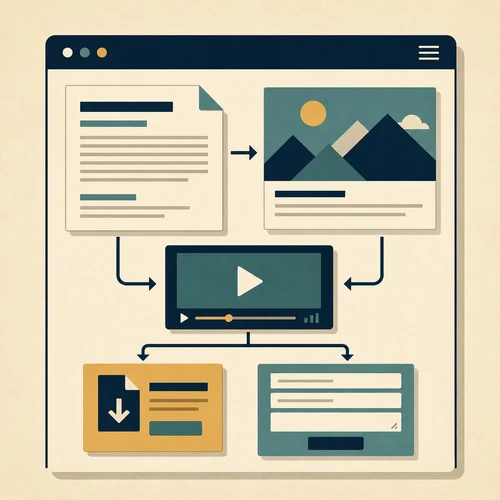
Website content includes the words, images, video, downloads, forms, and interface text that help visitors understand a problem and decide what to do next.
Start with email. Share the page or your question, and we will answer clearly.
Give the reader enough information to choose.
An evening photography course needs more than an attractive title. The reader needs the starting level, dates, location, equipment, and what they will practise. A sample photograph can explain the skill being taught.
The booking button, field labels, and confirmation are content too. They should make it clear what happens after the reader submits their details.
Build the course page around four questions.
Use the same approach for a service, product, or guide: identify the decision, supply the necessary facts, show a relevant example, and explain the next action.
1. Is this course suitable for me?
2. What do I need to attend?
3. What will I learn to do?
4. How do I reserve a place?
Common questions about website content
Back to the dictionary.
What makes website content useful?
It resolves a question the reader actually has. “Bring a camera with manual controls” gives a learner something to check. “Everything you need for success” leaves the equipment question unanswered.
Where should I start?
Gather the course details from the instructor and questions from previous learners. Draft the answers before choosing images or adding more sections.
What should a page include?
For this course: level, dates, location, equipment, activities, and booking conditions. Add a relevant example photograph with a caption explaining what the learner will practise. Give the booking link a clear action label.
When should I update the content?
Change dates, availability, location, and requirements when they change. Remove closed sessions from current booking choices. Review recurring enquiries for answers the page still lacks.
Which question does your page leave unanswered?
Send the page and the questions customers still ask before deciding. We can identify which facts, examples, or instructions are missing.