
WordPress repair
A broken button can lose a good customer.
When a menu will not open or a form stops working, visitors cannot do what they came for. We trace WordPress faults, repair the cause and test the action that matters to your business.
Send the page, the failed action and what you have already tried. We agree the scope before making changes.

The button looks right. The tap goes nowhere.
Imagine your mobile menu stops opening after an update, while desktop navigation still works. One possible cause is a transparent page layer sitting over the button and intercepting the tap. Changing the button’s colour would not remove that obstruction.
We reproduce the failed action on the affected page and device, then compare it with the working view. The update is a clue to investigate, not proof of which component is at fault.
After the repair, we open the menu, follow a link and close it again. We also check desktop navigation. The original task becomes the test the repair must pass.
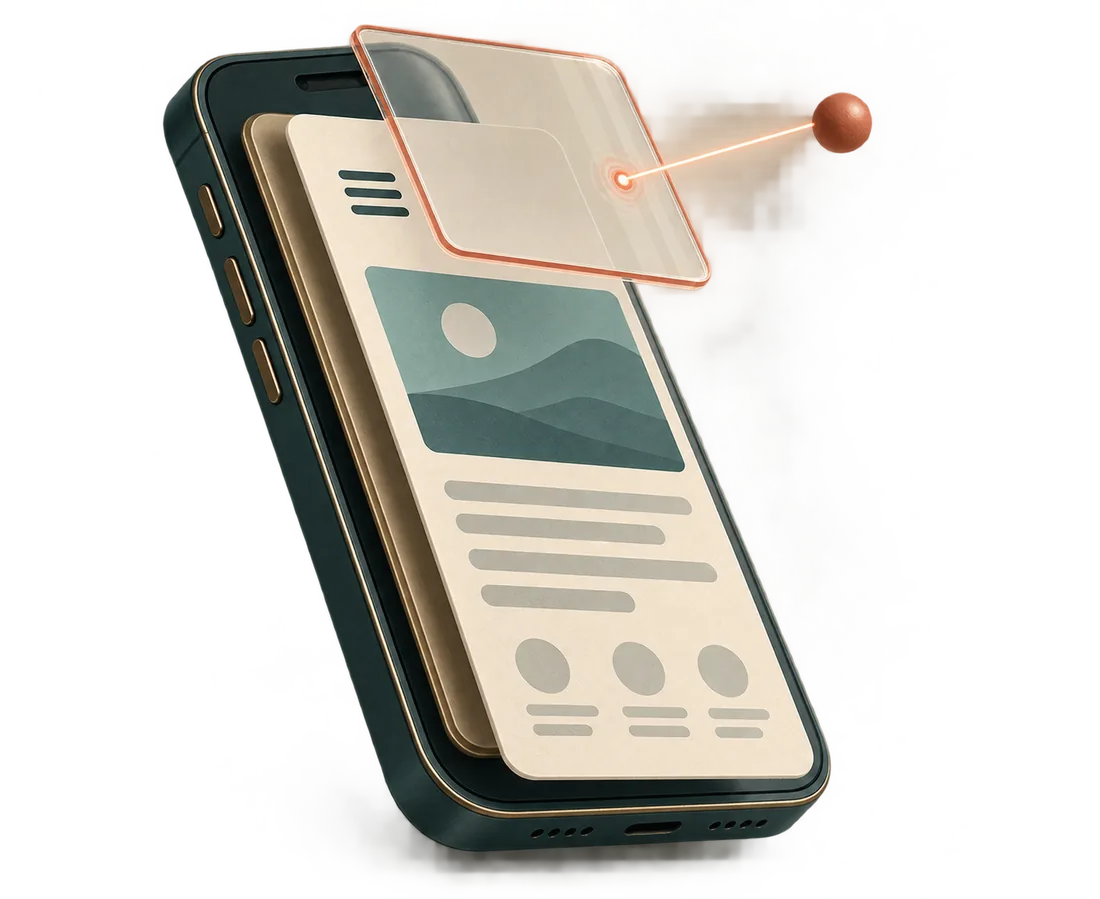
The lifted layer shows how something you cannot see can block a visible control. This illustrates one possible cause, not a diagnosis of your site.
Bring the symptom. We will trace what sits behind it.
A precise example gives the investigation a starting point. These are common WordPress faults we handle and the details that help us separate them.
Plugin conflicts and updates
Record what changed and when. We test the suspected interaction on a separate copy and check whether the existing plugins and theme can keep doing their jobs.
PHP warnings and errors
Keep the exact message and the time it appeared. We match it to the failed action and relevant logs. Diagnostic details belong in protected logs, not on public pages.
Broken layouts and blocks
Send the page address and screen size. Say whether the problem appears in the editor, on the visitor-facing page or both. A screenshot helps show a visual mismatch.
Forms and email
An error, a success message without delivery and a button that does nothing are different faults. We check submission, recording and delivery separately, then repeat the enquiry.
Redirects and page addresses
Provide the link you followed, the destination you expected and where you actually arrived. We trace the route, especially after a page move or migration.
Slow pages, admin and caching
Identify one slow action or an edit that stays invisible. We compare visitor and signed-in views and check what is being served before changing cache settings.
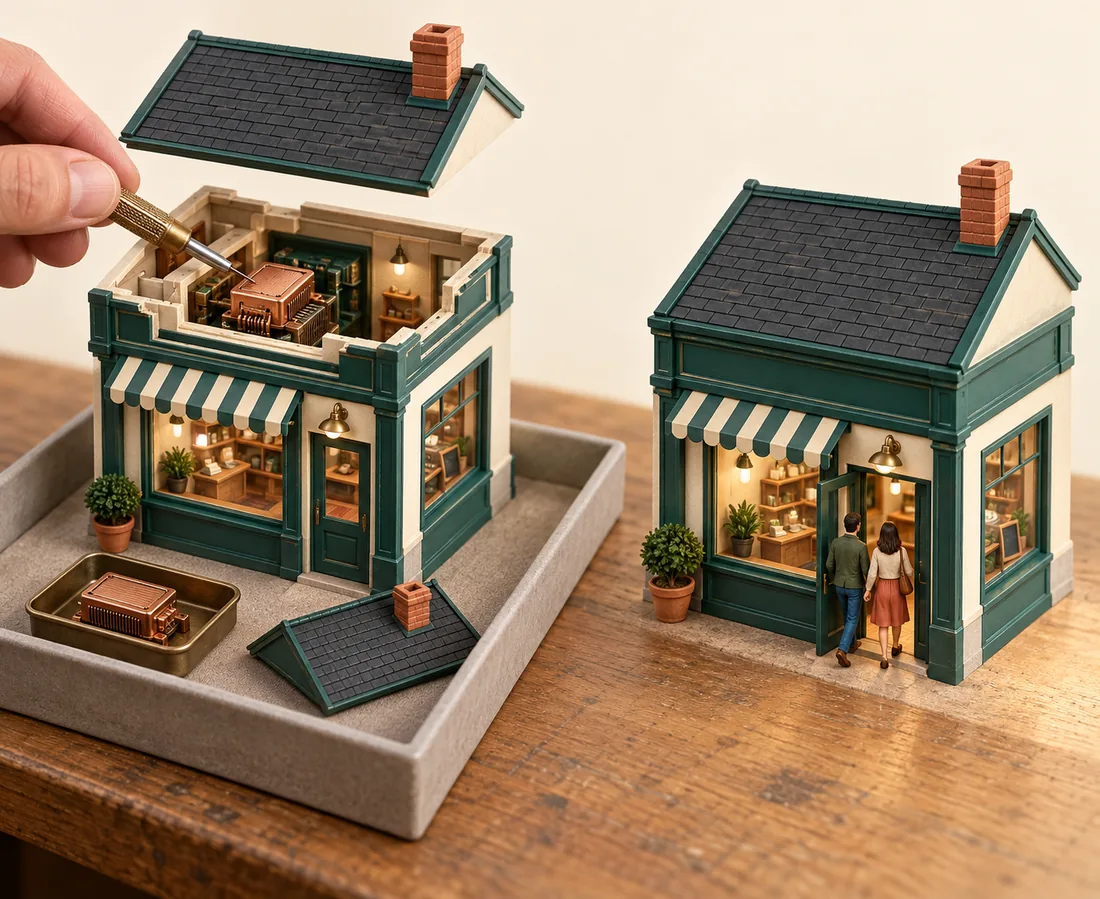
The open model is the test copy; the intact shop represents the working site. The separation lets us investigate a change before visitors encounter it.
Test the repair without borrowing your customers’ patience.
For changes that could disrupt the working site, we use a separate copy and check the available backup first. We change one suspected cause at a time, repeat the failed task and check related functions.
A test copy must be close enough to the live setup to reproduce the fault. It does not remove the need for a final live check. Before applying the repair, we agree what will change, what success looks like and how to return to the previous state if needed.
What happens before we touch the site?
Will you replace our plugins or theme?
Only when the evidence supports it. We first look for a correction within the existing setup. If replacement is needed, we explain which content and functions must be preserved.
What if the site is already down?
Tell us which address is unavailable and when it last worked. We assess the available access, logs and recovery options, then agree the immediate action. The cause and scope determine the work; we do not promise a repair time before investigating.
What if we suspect a security incident?
Say what you observed and when. We investigate the affected systems and agree containment and recovery work. Restoring a visible page alone does not establish that unwanted access has been removed.
What should the first message include?
Send the page address, expected and actual result, device and browser, recent changes and what you have already tried. Add an error message or screenshot if useful, and say whether a backup or separate test site is available.
Let’s get that task working again.
Show us the page and the action that fails. Include one recent example and any deadline that affects the work. We will reply with the first check or correction the evidence supports.