
Devenia / Learn / Security
Threatening Bitcoin Emails Are Designed to Make You Panic
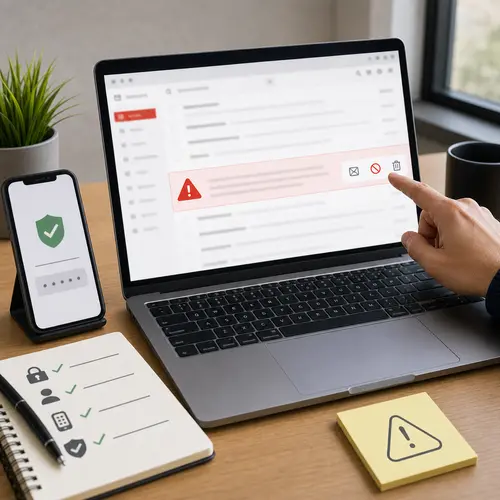
Do not pay before you verify
If you received an email claiming hackers have videos of you and demanding payment, you are not alone. These messages have circulated for years.
They are usually bluffs built from old breach data and fear. The right response is calm account security, not payment.
The decision to make
Use a fixed response order
When the email arrives, use a fixed order so fear does not decide for you.
Verify calmly
Check whether the password is old, whether the message appears in your sent folder, whether your provider reports unusual sign-ins, and whether real account activity looks suspicious.
Secure accounts
Change reused passwords from a trusted sign-in path, enable multi-factor authentication, review recovery details, and sign out sessions you do not recognise. Use a password manager for unique passwords.
Report and delete
Mark the message as spam or phishing through your mail provider or IT team. Do not reply, click links, open attachments, send money, or delete the only copy before reporting if evidence may matter.
What the scam usually claims
Criminals can obtain email addresses and old passwords from data breaches. The threat is designed to make you act before you think. See the FTC’s guidance on Bitcoin blackmail emails.
The message may claim
Separate old data from real account access
The email may contain one real detail, such as an old password, while the larger claims remain unproven. Treat the detail as a prompt to change the password, not as proof of a breach.
Sender spoofing
Breach data
No evidence
No proof of device access
Payment increases the risk
Install security updates, use a reputable security tool where appropriate, review account alerts, and contact your IT or mail provider if you see real compromise. Do not click links in the message to investigate.
Why the message looks convincing
The scam mixes a small piece of real data with claims the sender refuses to prove.
What scares people
- It appears to come from your own address;
- it includes an old password;
- it refuses to provide proof.
What it actually shows
- The sender may have old data;
- the sender wants a panic response;
- the sender may be testing targets.
Secure your accounts and report the message
Use the message as a prompt to improve account security, not as a reason to pay the sender. For workplace accounts, report it to IT or the security team.
The goal is to remove weak account habits that made the message feel plausible, not to negotiate with a scammer.
Frequently asked questions
Does a spoofed email from my own address mean I was hacked?
No. Sender spoofing can make an email appear to come from your address without the sender accessing your mailbox. Check your sent folder, sign-in history, provider alerts, and recovery settings.
Why does the scammer know an old password?
Old passwords often come from data breaches. If the password is not currently used, it is evidence of exposed data, not proof that your device is infected.
Should I pay a threatening Bitcoin email?
No. Paying confirms that you respond to threats and does not prove the sender will stop. Secure your accounts, report the message, and seek help if account evidence shows compromise.
Do not let fear set the agenda
The scam depends on panic. A calm checklist protects you better than a payment ever will.
If the email scared you, use that as a reason to improve account hygiene, not as a reason to trust the sender.