
Your work looks better than your photos.
The product is ready. The photo still shows the packing, the awkward angle and the room’s poor light. We use AI to improve existing product photos: composition, lighting, unwanted objects and the finishing touches the scene needs.
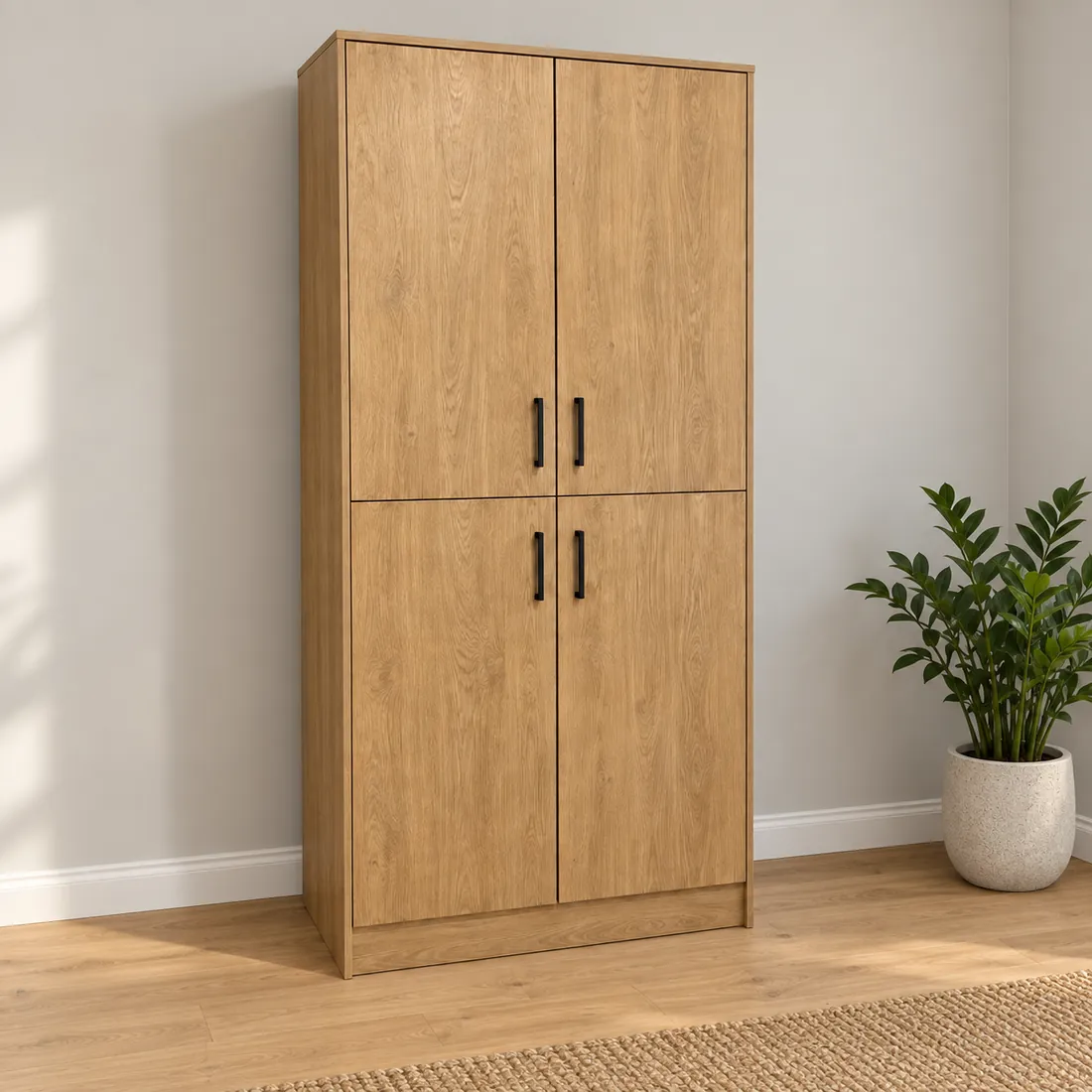
See what a different setting can do.
This AI-generated demonstration shows the kind of change we can make. Both images were created for this page; they do not show a customer’s product or project.
Before: the surroundings take over
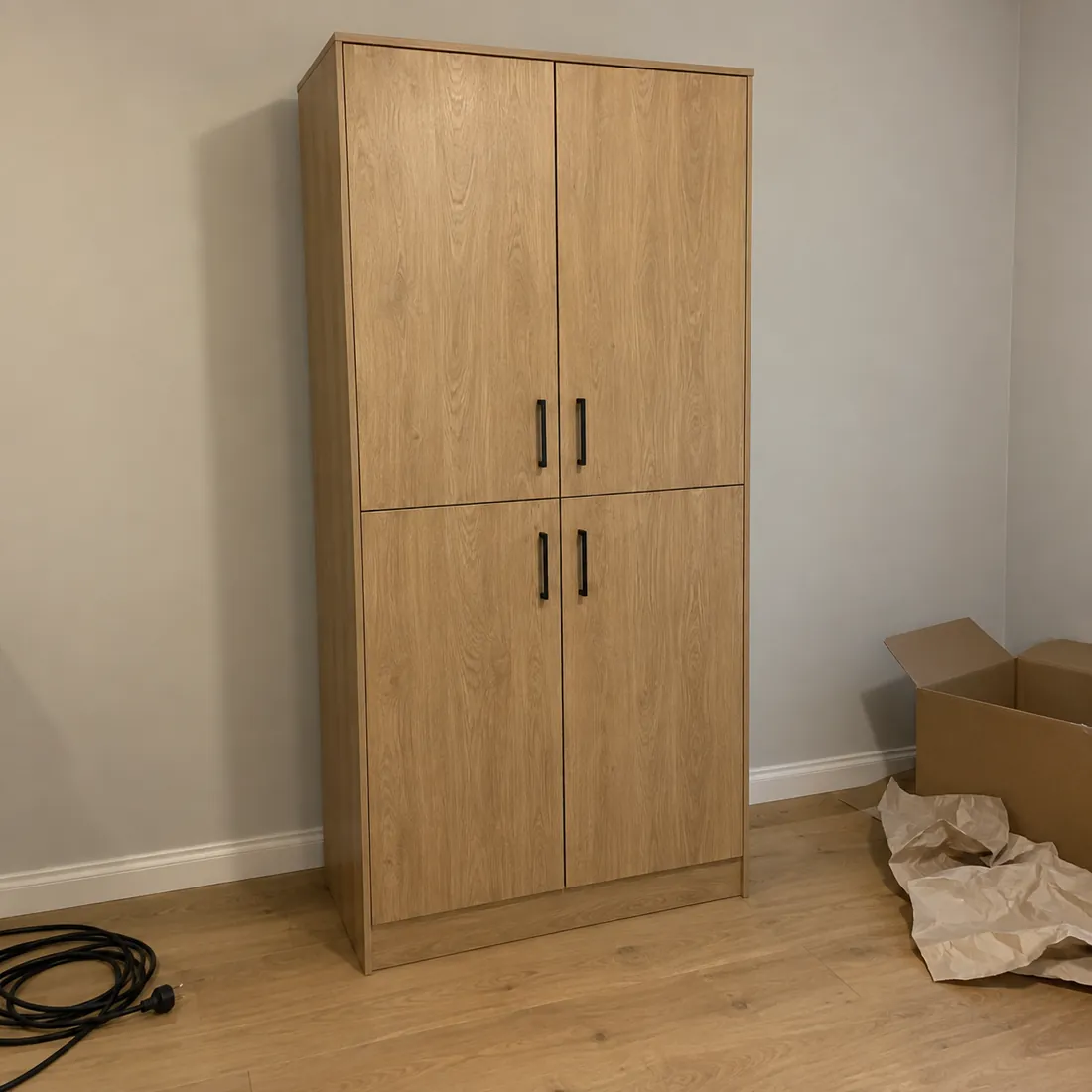
Uneven light, a trailing cable and discarded packaging compete with the cabinet for attention.
After: the product gets the attention
Brighter light and a tidier scene make the cabinet easier to see. A plant and rug give the room a finished appearance. The demonstration illustrates styling, not exact colour or material reproduction.
Four ways to make a usable photo work harder.
We have improved hundreds of photos taken on site. The useful changes depend on the original image and where it will appear: a product page, an advert or a project portfolio.
Improve the composition
Adjust the framing and perspective so the product is easier to understand. Leave suitable room around it for the page or advert that will use the image.
Improve the light
Brighten a dull scene, balance uneven lighting and reduce an unwanted colour cast. Check the product’s colour and surface against reliable reference images.
Remove distractions
Remove packaging, tools, cables or objects that draw the eye away from the product. Keep details that explain how the product fits or works.
Add what the scene needs
Add suitable props, furnishings or background details when they help show the intended setting. Make clear which items are styling and which belong to the product being sold.
A better photograph still has to show the right product.
AI can change small details as well as the surroundings. Shape, proportions, handles, seams, grain and colour need checking against the original. A convincing picture is not enough if it changes what the buyer can expect.
Tell us which details must stay unchanged. If the source hides an important feature or lacks the detail needed for the intended use, another photograph may be the better starting point.
Send the originals and tell us where they will go.
Share the original files at their available resolution, the number of images and their intended use. Explain what should be removed or added, and include a reference when a particular colour, material or setting matters.
A small selection is a useful starting point when you have many images. We can assess the changes needed and agree the scope before working through the rest. Send large files through Devenia Send and include the download link in your message.
Give good work a photograph that does it justice.
Show us the images, where you plan to use them and what needs to change. We can assess what the source material allows and discuss the work with you.