
Devenia IMAP Intake
Bring an IMAP inbox into your WordPress plugin
Read messages and attachments from an existing IMAP mailbox through a PHP interface. Your plugin decides when to read and what to do with the result.
Version 1.0.1 · GPL-2.0-or-later

One mailbox, one clear hand-off
Your plugin supplies the server, port, folder and credentials. Devenia IMAP Intake opens the folder read-only over verified TLS and returns message headers, sender addresses and decoded attachment bytes. The source message stays in the folder and its read flag is preserved.
Your plugin decides when to connect and owns access control, retries, deduplication and storage. It also sets the maximum complete message size for each fetch.
Read the message. Your plugin takes it from there.
The mailbox keeps its message. The receiver reads it and decodes its attachments; your plugin applies its own rules and decides what happens next.
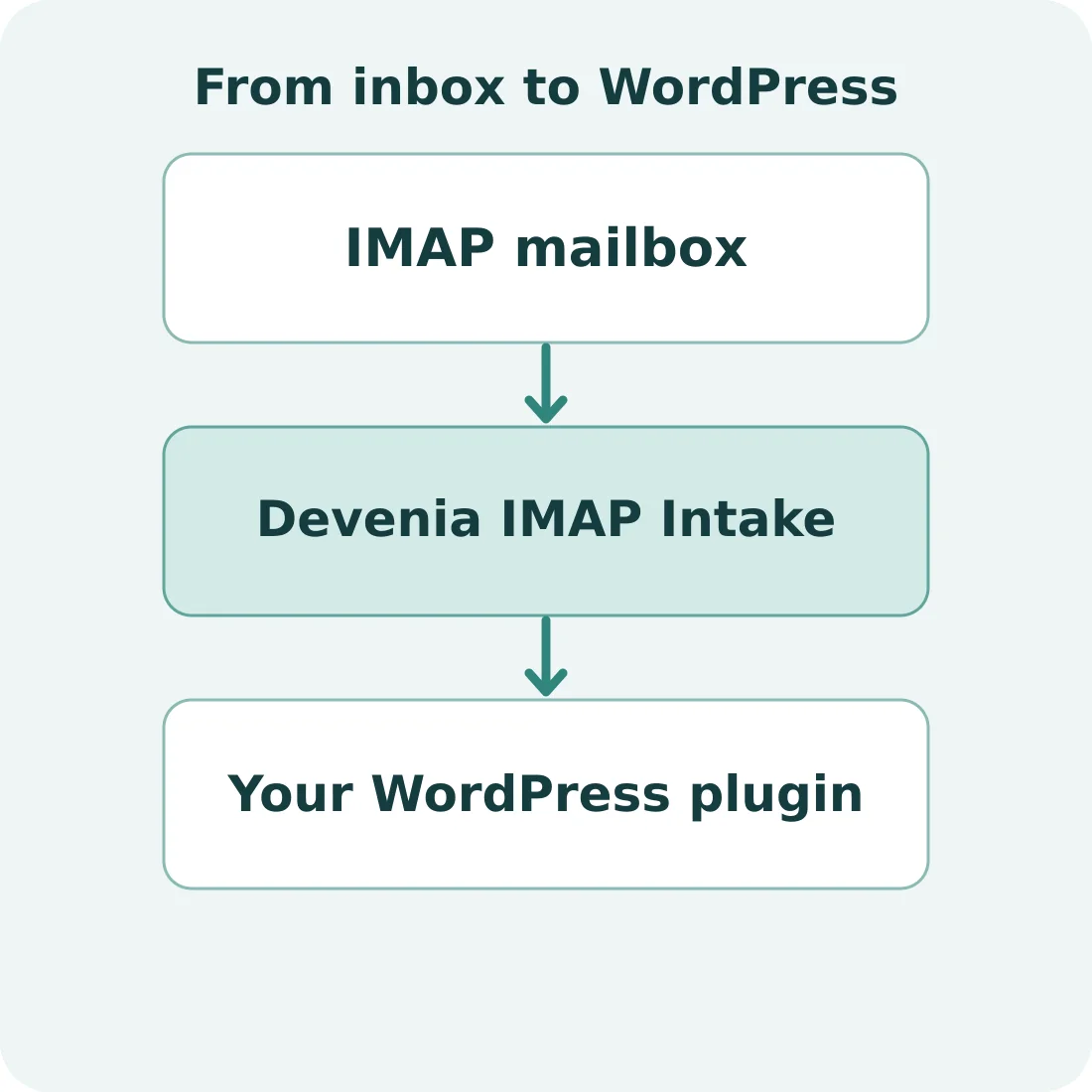
The receiver connects the mailbox to your code; it does not decide how the message is processed.
Example: process a shared inbox
Imagine a WordPress plugin that processes messages sent to [email protected]. The developer connects it to the existing IMAP mailbox and sets a maximum message size. The receiver returns messages and attachments; the calling plugin checks what it has already handled and decides how to store or process each item.
This example is illustrative. The receiver is a reading interface for developers; it is not webmail and does not send mail over SMTP.
Keep message IDs in the right context
UIDs identify messages only within a particular account, folder and UIDVALIDITY. Compare the current UIDVALIDITY with your saved value before reusing a cursor.
UIDVALIDITY
Identifies the current UID series for the selected folder.
UID
Identifies a message within that account, folder and UID series.
Requirements and availability
You need WordPress 6.9 or later, PHP 8.1 or later with OpenSSL and mbstring, trusted CA certificates, and an IMAP server with a valid TLS certificate. The connection supports implicit TLS or STARTTLS.
Download the ZIP above, then test the integration on a staging copy before using it with a live mailbox.
Open Plugins → Add New Plugin → Upload Plugin in WordPress, choose the ZIP, install it and activate Devenia IMAP Intake. Call the interface from your own plugin after active plugins have loaded. Keep mailbox credentials in your application’s protected configuration.
Open a folder and read a message
This example uses a reserved domain. Supply $password from protected configuration and $saved_uid_validity from your own application. On first use, establish the folder’s UIDVALIDITY before storing a cursor. fetch() applies the byte limit to the whole message before decoding.
use Devenia\ImapIntake\Mailbox;

$mailbox = Mailbox::open( array(
    'host'       => 'imap.example.com',
    'port'       => 993,
    'username'   => '[email protected]',
    'password'   => $password,
    'folder'     => 'INBOX',
    'encryption' => 'ssl',
    'timeout'    => 15,
) );

if ( is_wp_error( $mailbox ) ) {
    return $mailbox;
}

try {
    $validity = $mailbox->uid_validity();
    $uids = $mailbox->uids();
    if ( is_wp_error( $uids ) ) {
        return $uids;
    }

    if ( $validity !== $saved_uid_validity ) {
        return new WP_Error( 'mailbox_changed', 'Check the saved cursor before continuing.' );
    }

    if ( $uids ) {
        $message = $mailbox->fetch( $uids[0], wp_max_upload_size() );
        if ( is_wp_error( $message ) ) {
            return $message;
        }
    }
} finally {
    $mailbox->close();
}
The interface provides Mailbox::open(), uid_validity(), uids(), fetch() and close(). A fetched message includes headers, sender addresses and attachments with their decoded bytes.
In a production workflow, handle errors, choose the UID using your own cursor, validate senders according to your policy and record completion only after downstream processing succeeds. Open a fresh session after a failed IMAP read.
If a connection fails, check the server name, port, TLS mode, credentials and trusted certificate chain. If a message exceeds your byte limit, decide how your application should handle it before retrying.
Read messages with your own WordPress plugin
Download the plugin, check the requirements and test the connection with your application.