
WordPress database maintenance
See what needs attention before changing your database.
Inspect storage, indexes and settings through MCP, then choose a focused action using evidence from your own WordPress site.

A finding is a reason to investigate.
The health report separates table storage, index findings, autoloaded options and expired transient records. Follow up with a focused audit when one area needs a closer look.
A large table does not explain why a page is slow. A possibly redundant index is a review candidate, not an instruction to delete it. The plugin reports observations and available coverage; it does not repair the database automatically.

Inspection reads the current state. Maintenance changes a selected part through a separate, confirmed operation.
Autoload changes what is loaded, not what is stored.
Some WordPress settings are loaded together automatically. The autoload operation changes that flag for explicitly named options while preserving their stored values.
Check which plugin owns an option and how it is used before changing the flag. Size alone does not tell you whether autoload should be switched off. One call accepts up to 25 named, non-transient options and verifies the resulting flag.
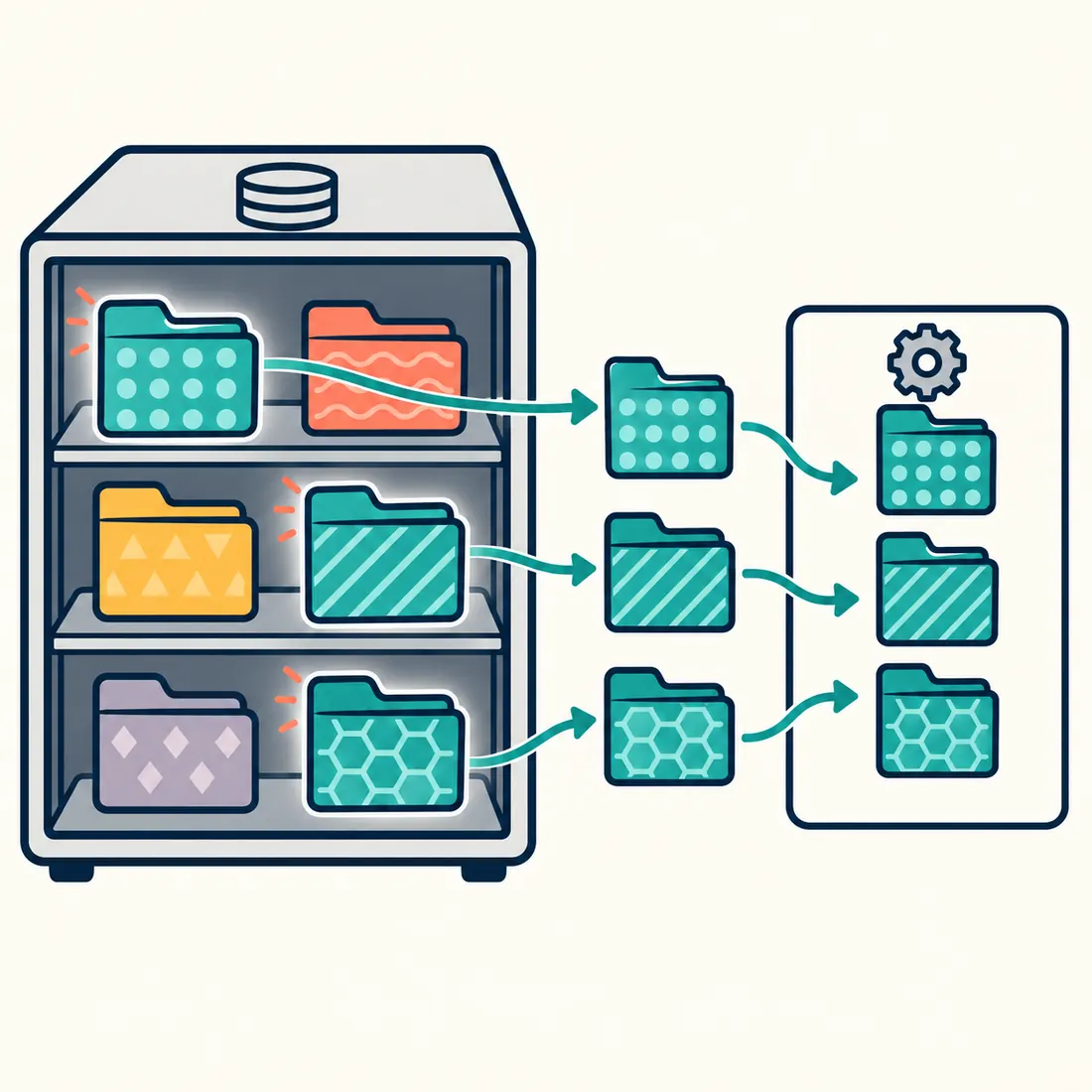
The selected settings are loaded together. Their stored contents remain unchanged.
Choose the operation that answers your question.
Start with a read-only check. Maintenance operations default to a dry run and require explicit confirmation for a live change.
Inspect storage and indexes
Use the health snapshot for direction, then inspect index definitions, option sizes or core table engines. Index results are paginated. Optional Performance Schema counters are observations, not proof that an index is never used.
Remove expired temporary records
Preview a batch of up to 500 expired transient timeout records. These belong to WordPress’s temporary cache data. The response reports the cleanup outcome without exposing transient names or values; another batch may still be needed.
Replace a known piece of post content
For example, find “Delivery in five days” before replacing it with a verified three-day promise. List matching posts, select post types and statuses, and preview a literal or regex replacement. The search covers stored post content, not every word displayed by the site. A limit of 0 has no explicit result cap. Live writes require MCP Abilities – Block Editor and permission to edit each post; native block validation can reject a proposed replacement.
Convert selected core table engines
Choose supported WordPress core tables by their logical keys. WordPress resolves the actual names, including custom prefixes. This action cannot target arbitrary plugin tables. Keep an appropriate backup and inspect the reported final engine after a confirmed conversion.
Know what the report does not establish.
The health snapshot is not a complete data-integrity check or a diagnosis of slow queries. Options reports show names and sizes, not values. There is no arbitrary SQL endpoint, automatic index deletion or general repair command.
On multisite, schema discovery and requests involving network-global tables require super-admin and network-options authority. This applies to read-only checks and dry runs as well as changes.
Preview one change, then verify its effect.
A live maintenance request needs
dry_run:false and confirm:true. Dry-run counts do not guarantee that a later content write will pass editor validation. After a replacement, inspect the affected pages and their wording.A failed item does not undo earlier successful changes in the same call. Table conversion reports the database statement outcome, the verified engine and any uncertainty separately. If the effect is uncertain, inspect the current state before taking another action.
Turn a database question into a specific next step.
Install MCP Abilities – Database with WordPress 6.9 or later, PHP 8.0 or later, WordPress MCP Adapter and MCP Expose Abilities. Add MCP Abilities – Block Editor for live post-content replacement. Begin with a read-only report or a list of matching posts.