
WORDPRESS PLUGIN
One article. Use its current address.
When WordPress generates a shortlink, return the post or page’s current permalink. Keep generated references aligned with the address your readers see.
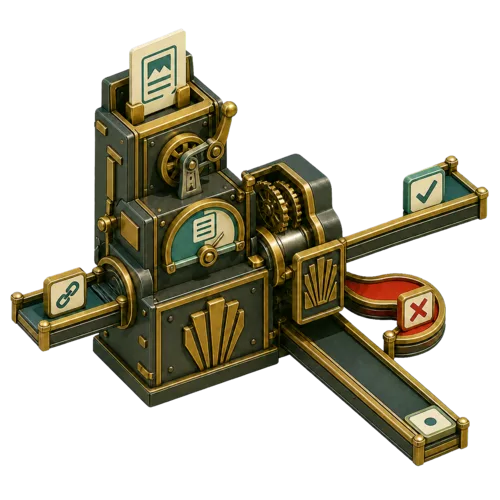
Two addresses can lead to the same article
A bicycle repair article might have the WordPress ID 123 and the permalink
/bike-repair/. A numeric shortlink identifies the same article by its ID. This plugin replaces the generated shortlink with the permalink WordPress returns for that article.Before:
After:
https://example.com/?p=123After:
https://example.com/bike-repair/
The picture shows two routes to one article. The plugin changes the generated address; it does not make the address shorter.
Which article does WordPress mean?
A specified post or page
When a caller requests a shortlink for a post ID, the plugin returns that post’s permalink. The surrounding page does not change which post the ID selects.
The current post in a loop
For a post-context request with no ID, WordPress resolves the current post. A related article inside a page can therefore keep its own address instead of receiving the surrounding page’s address.
A single post or page view
For a query-context request on a single post or page, the plugin uses the queried post. It leaves query-context shortlinks on archive views unchanged.
Activate it, then inspect one real shortlink
You need WordPress 6.0 or later and PHP 7.4 or later. The plugin has no settings page and uses your existing WordPress permalink structure.
1. Install and activate
Download the ZIP. In WordPress, open Plugins → Add New Plugin → Upload Plugin, choose the ZIP, install it, and activate Devenia Canonical Shortlinks.
2. Compare the addresses
Choose a published post or page. If its HTML source contains
rel="shortlink", compare that link’s address with the current permalink. The plugin does not add a missing shortlink tag.3. Open the returned link
Confirm that the address opens the intended article. If your permalink settings already produce numeric addresses, this plugin does not create a descriptive URL structure.
What stays outside its scope?
It does not create redirects, update links already stored in articles, change permalink settings, or edit
rel="canonical" tags. Those are separate WordPress or SEO functions.If the incoming shortlink is empty, the context is unsupported, or WordPress cannot resolve the post or permalink, the existing shortlink value is preserved.
For developers
The plugin uses the native
get_shortlink filter. It makes no external service requests and adds no settings or database tables of its own.See WordPress’s documentation for wp_get_shortlink() and the get_shortlink filter when integrating shortlinks into a theme or plugin.
Use the address your article already has
Install the plugin and check a generated shortlink against a published article’s current permalink.