
Elementor page repairs
Fix the setting behind the page problem.
Inspect the native Elementor page through MCP, choose the widget, container or shared setting that needs attention, and check the result after saving.
One page problem can have several possible causes.
A course page has the wrong booking link and cramped text on mobile. Inspect the button’s destination for the first problem and its container’s responsive settings for the second. A whole-page replacement is unnecessary for a single link correction.
A colour or font may come from the active Elementor Kit. That setting can affect several pages. Inspect the current style reference and choose whether the intended change is local or shared before editing.
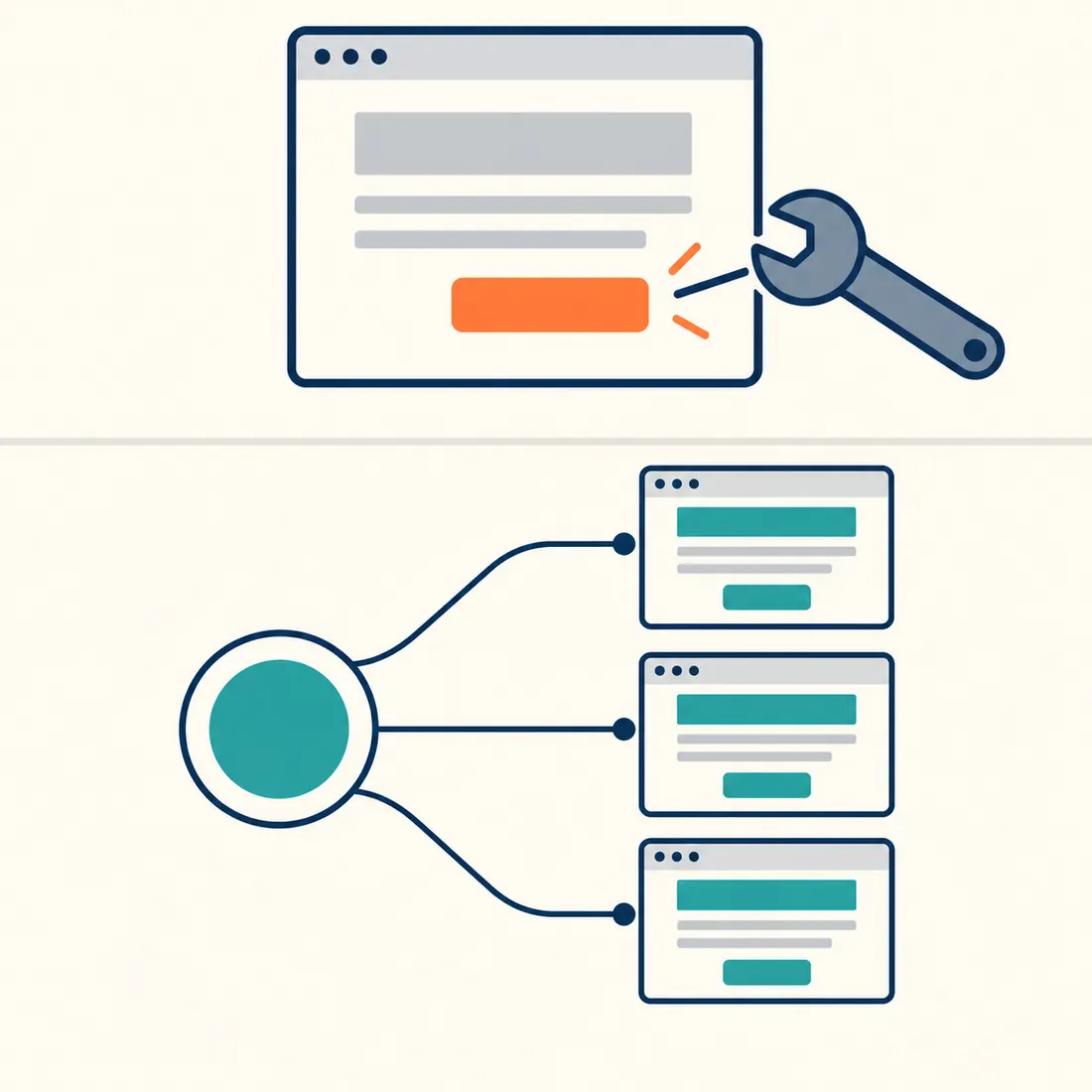
A widget change affects its own content. A shared style change can reach several pages.
A copied section and a linked template behave differently.
Copying a template’s data gives the new page independent content. A native template reference keeps the connection, so later changes to the shared template can reach its consumers.
Search the existing Elementor Library before building a repeated section. Inspect the chosen template’s links, images and wording. Reuse a linked template when future changes should stay shared; use an independent copy when the new section should develop separately.

The link carries future template changes. An independent copy has its own content.
Match the repair to the right Elementor setting.
The add-on exposes 89 abilities for inspection, editing and selected site tools. Start with the smallest operation that fits the intended result.
The button opens the wrong course
Find the button by element ID and inspect its native link controls. Preview a settings merge with the verified destination, then save and follow the button on the rendered page.
The programme is too narrow on mobile
Inspect the surrounding container’s width, padding and responsive controls. A desktop change does not prove that mobile is fixed. Read the programme again at both sizes.
The wrong template appears
Inspect Theme Builder display conditions before editing page content. Conditions decide where a template appears and require Elementor Pro. Check the affected pages after changing a shared template or its conditions.
The whole site needs another Kit
Inspect the available Kits and their global styles before switching. The operation requires site-settings authority and permission to edit the selected Kit. It rejects ordinary templates and trashed Kits, then verifies that the selected Kit was saved.
A successful save is not the end of the check.
Document validation checks structure and global style references. Design audits report possible issues; their scores do not establish that a page is clear, attractive or finished. Inspect the rendered whole and test its useful actions.
Elementor Pro is needed for its Theme Builder, custom-code and form-submission features. Translation sibling protection needs a compatible language provider. After a relevant change, inspect other affected languages and pages too.
Preview the change that you intend to make.
Read the selected ability’s schema. Supported operations can use
dry_run:true, but this is not a universal default. Full document writes have separate confirmation and replacement guards. Resolve validation findings before saving; do not assume a preview grants permission for a wider change.After saving, read back the native document and check the public page on desktop and mobile. Regenerate the page’s Elementor CSS when needed, then verify the actual output. Cache clearing alone does not establish that every external cache has refreshed.
Start with the page that needs a repair.
Install MCP Abilities – Elementor with WordPress 6.9 or later, PHP 8.0 or later, Elementor, WordPress MCP Adapter and an ability exposure configuration such as MCP Expose Abilities. Connect an authorised account and ask it to inspect the page before changing it.