
Devenia / WordPress plugin
Fix the sentence where you spotted it
A wrong opening time. A typo in a heading. Frontend Text Edit lets authorised editors correct supported text on the WordPress page itself and save the change in its original block.

The page is the editing surface. WordPress keeps the result.
Imagine a contact page that still says ‘Open until 17:00’ after your closing time changes to 18:00. Find that sentence on the page, correct it and save. There is no second copy of the page to keep in step.
The plugin matches supported visible text to its stored Gutenberg block. Your correction becomes normal WordPress content and remains there if you deactivate the plugin. Page titles and excerpts need an integration that exposes those fields.
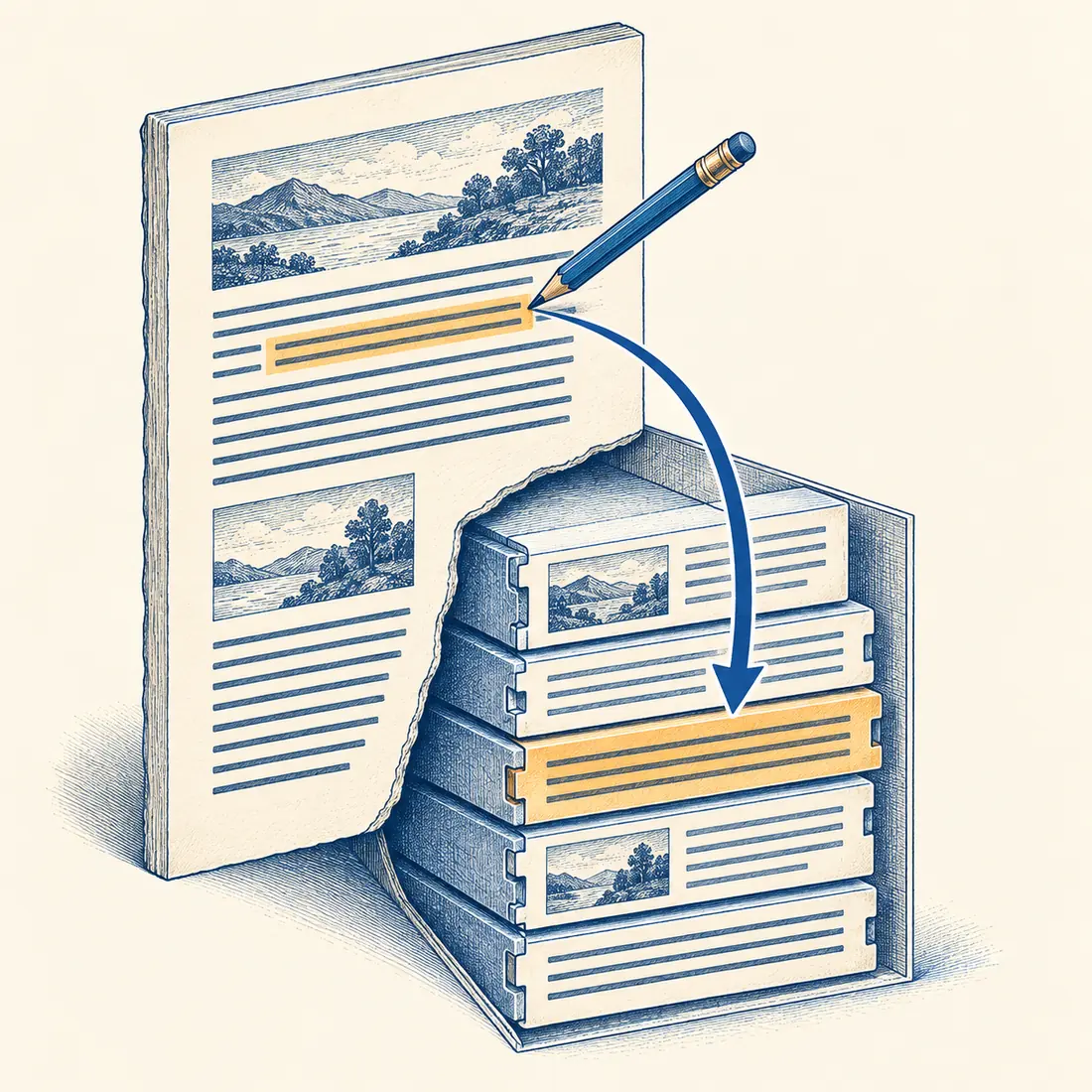
One sentence changes in the saved content. Its surrounding block and existing link destination stay in place.
First check whether your text is supported
Being visible is not enough. The plugin needs a supported block and a reliable match to its saved text. Use the normal WordPress editor when a sentence is unavailable.
Core WordPress text
Edit supported paragraphs, headings, list items and button labels. In richer paragraphs and list items, supported text segments can be edited separately. Existing formatting and link addresses stay with their blocks.
GenerateBlocks and FAQs
Edit headings, paragraphs and button labels in GenerateBlocks, including text inside existing links. Legacy headline and button blocks remain supported. The Rank Math integration lets you edit FAQ questions and answers.
Titles and excerpts
An installed integration must explicitly make these fields available. A title appearing in the page header does not by itself make it editable. Without that integration, change it in WordPress.
Four steps from correction to saved text
You need WordPress 6.9 or later, PHP 8.0 or later, and a signed-in account with permission to edit that page or post. Use a maintained PHP release that your site supports.
1. Open the actual WordPress page
Install and activate the plugin, sign in and open the page you can edit. A separately exported static copy has no WordPress editing controls; open its WordPress source instead.
2. Turn on editing
Choose Frontend Text Edit in the WordPress admin bar. Click a supported text area. Check that it is the sentence you intend to change.
3. Correct and save
Make the wording change and select Save, or use Ctrl+Enter or Cmd+Enter. Use Escape to cancel an unsaved edit. Wait for the saved confirmation before leaving the page.
4. Read the saved result
Leave editing mode, reload and read the full sentence. Check any page cache or separate publishing process your site uses before assuming every visitor can see the correction.
Know when to return to the WordPress editor
Use WordPress for layout, media, block structure, link destinations and unsupported text.
If the text changed while you were editing
The plugin rejects an edit whose stored block no longer matches the version you opened. Reload, read the latest wording and make the correction again. This protects that text selection; it is not a collaborative page-locking system.
If a sentence cannot be selected
On a publicly reachable page, the editing controls can send a report to the local WordPress administrator. It contains the page address, text excerpt and location details, without the signed-in user’s identity. The site can change or disable recipients; check the text before sending.
Make your next small correction in context
Download the free plugin, activate it on WordPress and start with one supported sentence. Save it, reload and check that the correction is there.