
WORDPRESS PLUGIN
Correct the file. Keep the attachment.
The wrong photograph is already on three pages. Replace the existing Media Library item once, and keep the attachment those pages use. Devenia Replace Media also handles documents and offers two optional automation operations.
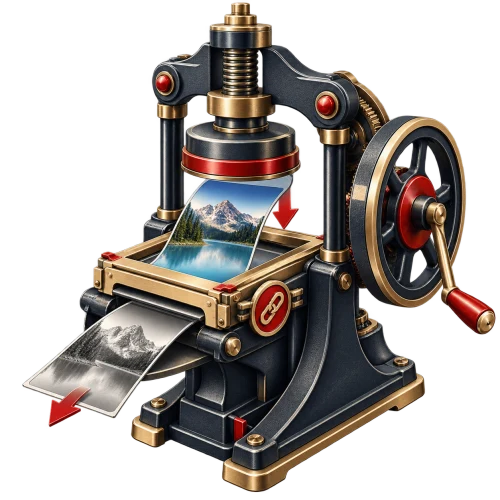
One attachment. Several places to check.
Imagine a product photograph used in a shop and two articles. Replacing its shared attachment updates the source they use. Uploading another photograph creates a different item; it does not change those existing selections.
The attachment ID stays in place. So do its title, caption, description and alt text. Read that text again when the new file changes what it describes.
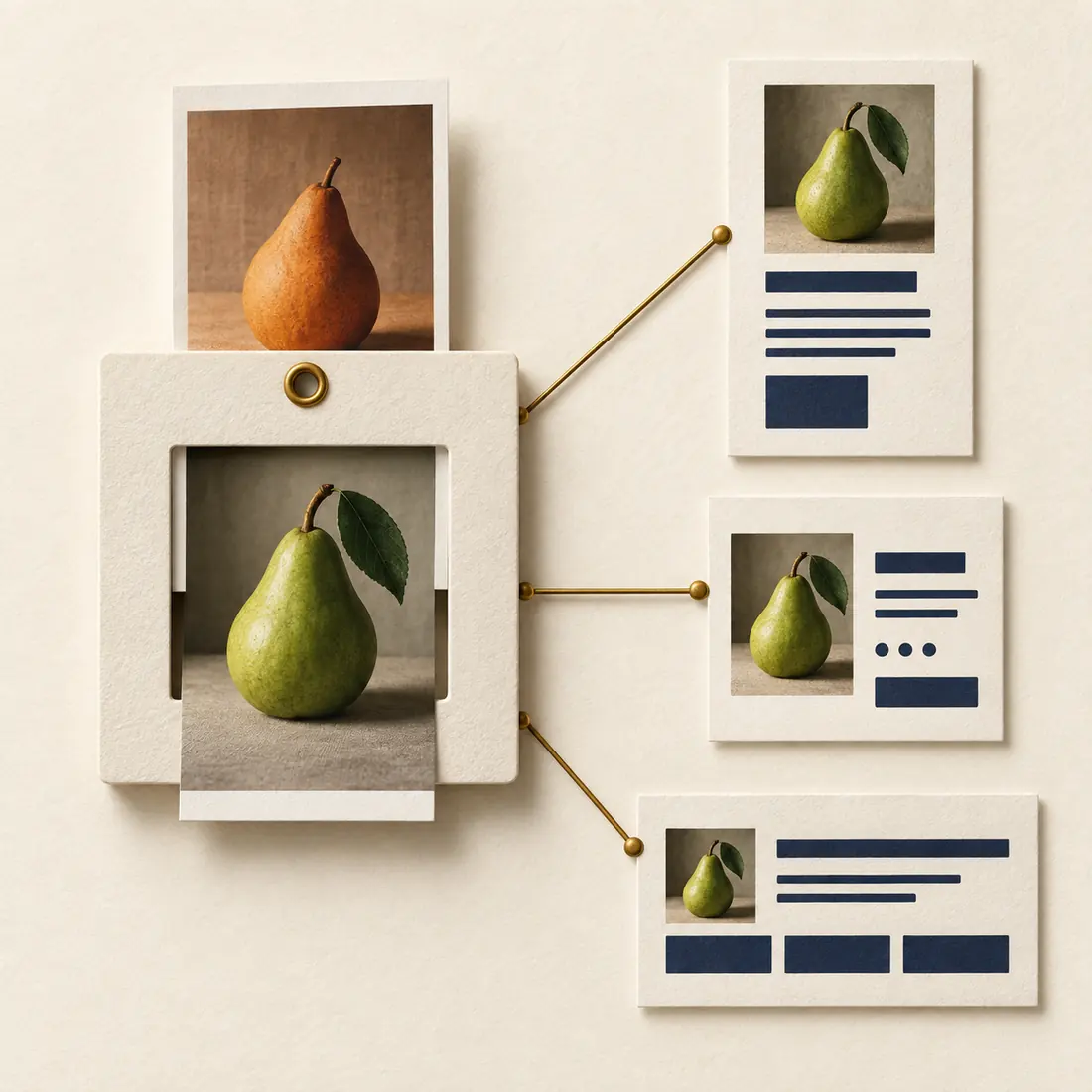
The fixed mount represents the attachment. The photograph changes; the three page connections remain. Check the rendered pages after replacement, including their cached and responsive images.
Replace it—or keep both?
The deciding question is whether every use should receive the change.
Replace the shared file
Correct a photograph, update a screenshot or replace a PDF when the change belongs wherever that attachment is used. Save a copy first if the old file may be needed again.
Upload a separate attachment
Keep both when a historical article needs the old image, a document edition must remain available or only one page should change. Select the new attachment only where it belongs.
Prepare, replace, inspect
Open the existing attachment, not a new upload. Your account needs permission to upload files and edit that attachment.
1. Prepare the right file
Use the same format where possible. Choose dimensions and a crop that work in every placement. A smaller image may not recreate an old thumbnail size. Keep a separate original; there is no permanent file history or Undo button.
2. Choose Replace File
Find the action in the Media Library list, the Edit Media screen or supported WordPress media dialogs. Elementor attachment details offer another entry point. Select the corrected file and submit the form.
3. Check the actual pages
Inspect a page that uses the attachment, its responsive images and any direct download links. Review the retained caption and alt text. If an old file remains visible, check the relevant browser, page cache or CDN.
What the same attachment does—and does not—preserve
The replacement is written to the existing file path. WordPress can generate a different full-size image when it scales, rotates or converts a file. Check the resulting attachment URL as well as the links already in use.
A different file format under an old filename extension can produce a mismatch with the type served by your web server. Prefer the same format. For a deliberate format change, a new attachment and updated placements are usually clearer.
Image sizes are regenerated from the new file and current WordPress settings. Fixed thumbnail addresses in page HTML, CSS, messages or exported pages are not rewritten. Check them if the image dimensions change.
Fresh file, old cache?
The plugin adds a changing version parameter to attachment and responsive image URLs produced through its WordPress filters. Repeated replacements get distinct values. That helps caches tell files apart; it does not clear every cache or update hard-coded addresses. Rebuild exported pages when needed.
For an assistant: name the existing attachment
An automation client needs the attachment ID and the replacement source. These operations change a shared file. Confirm the intended attachment and all affected uses before calling them.
media/replace-from-url
Supply attachment_id and an HTTP or HTTPS url that WordPress accepts for remote download. For example, replace an existing guide with its corrected PDF from your own website.
media/replace-base64
Supply attachment_id, filename and base64 file data. The decoded file limit is 20 MiB; server request limits may be lower. A data URI is accepted.
Read the result
A successful response includes the attachment ID, URL, MIME type, dimensions and version. A failed operation returns a message. Verify the served file after success; the response alone does not prove every page cache has refreshed.
What you need
WordPress 5.7 or later, PHP 7.4 or later and a writable upload directory. Normal Media Library replacement needs neither Elementor nor an AI client. Automation requires WordPress Abilities API; an MCP client also needs a compatible connection to it.
Update the file your pages already know.
Install Devenia Replace Media, open the existing attachment and apply the correction where it belongs. Keep a separate copy when you need the old version.