
Email and updates
Practical updates and direct help
Read practical notes on SEO, WordPress, web operations, and AI. Email us when a specific page or problem needs attention.
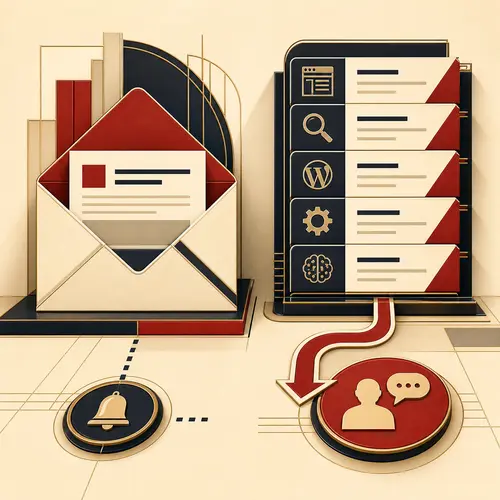
Choose the right route
Are you learning, or fixing something now?
Browse the notes for an explanation or example. Use email when you need help with a particular page, error or decision.
Read the updates
Open the blog for articles on website problems and improvements. Use the guides below when you need a starting explanation of a topic.
Email the problem
Send the page and describe what is failing. For example: the contact form shows a success message, but the enquiry never reaches your inbox.
What the updates cover
Start with the question you have
Planning a site? Use the website planning guide to turn visitor tasks into pages. Editing an existing site? The content management guide explains how to check an update.
Comparing advertising options? The advertising platforms guide helps you connect the buyer, message and booking or enquiry.
When you email
Four details that help us answer
Describe what you can see. You do not need to identify the technical cause.
The exact page
Copy the page address. If the problem follows a click, include the page you started on and the link or button you used.
Expected and actual result
For example: “I submitted the enquiry form and saw the thank-you message, but no email arrived.” Include the exact error text if one appears.
When and where it happens
Give the device, browser and approximate time. Say whether you can repeat the problem and whether it also happens on another device.
What changed or was tried
Mention a recent form change, update or moved page. List any checks already made, such as checking the spam folder, so we can choose the next useful check.
Direct support
Need help with a specific page?
Send the four details above. For a question about an article, include its link and the part you want explained. Do not send passwords, login links or personal data.