
WordPress plugin
Keep LinkedIn posting moving after an API version sunset.
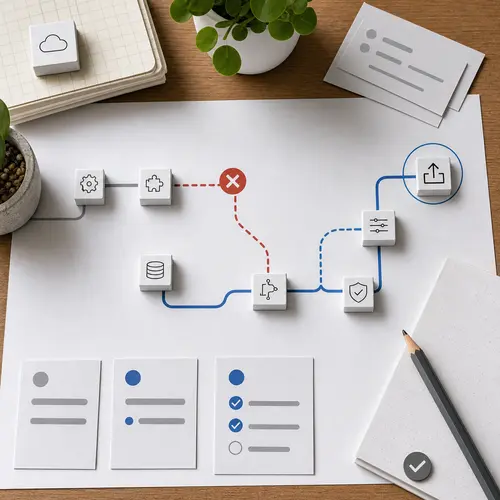
A compatibility fix
Let the posting path find a supported LinkedIn API version.
When LinkedIn retires an API version, Devenia Autoposter for LinkedIn can try a supported version and remember the one that succeeds. That prevents autoposting from staying pinned to a retired endpoint.
Update in staging first, publish one controlled test post, confirm the LinkedIn result, and record the exact response if the request still fails. The fix does not bypass LinkedIn permissions, token expiry, or account restrictions.
What changed
Fall back, remember the working version, and test the route.
Version fallback
Try the supported LinkedIn API versions configured by the plugin when a requested version has been retired, reducing hard failures caused by an API sunset. Stop and inspect the response when every supported version fails; do not hide an authentication or permission error as a version problem.
Working version persistence
After a successful request, keep using the working LinkedIn API version instead of retrying the retired version on every posting attempt. Record which version succeeded so a later update or rollback can be checked against a known result.
Compatibility cleanup
The resilient request path covers the LinkedIn operations that matter for autoposting.
If publishing still fails after updating, check the token, permissions, configured app, and API response separately. Keep the previous plugin version available for rollback and note the exact response shown by LinkedIn before escalating.