
WORDPRESS PLUGIN
Publish the article. Prepare its LinkedIn update.
Turn your WordPress publishing routine into a LinkedIn sharing routine. Choose a profile, a company page, or both. Select the languages each should receive, then check the result for each destination.

Choose the languages. Check both results.
Select post languages separately for your profile and company page. For example, send English and Norwegian posts to your profile, but only English posts to the company page. The choices filter WordPress content; they do not change LinkedIn profile languages.
Eligible posts go through a background queue. A profile and a company page are separate targets: one can succeed while the other fails. Check each target’s result: overall success means at least one destination received the update.
Polylang supplies each post’s assigned language. A site without Polylang uses its WordPress site language. Excluded or unassigned Polylang languages are skipped before image selection and are not retried. Selecting no languages pauses that destination.
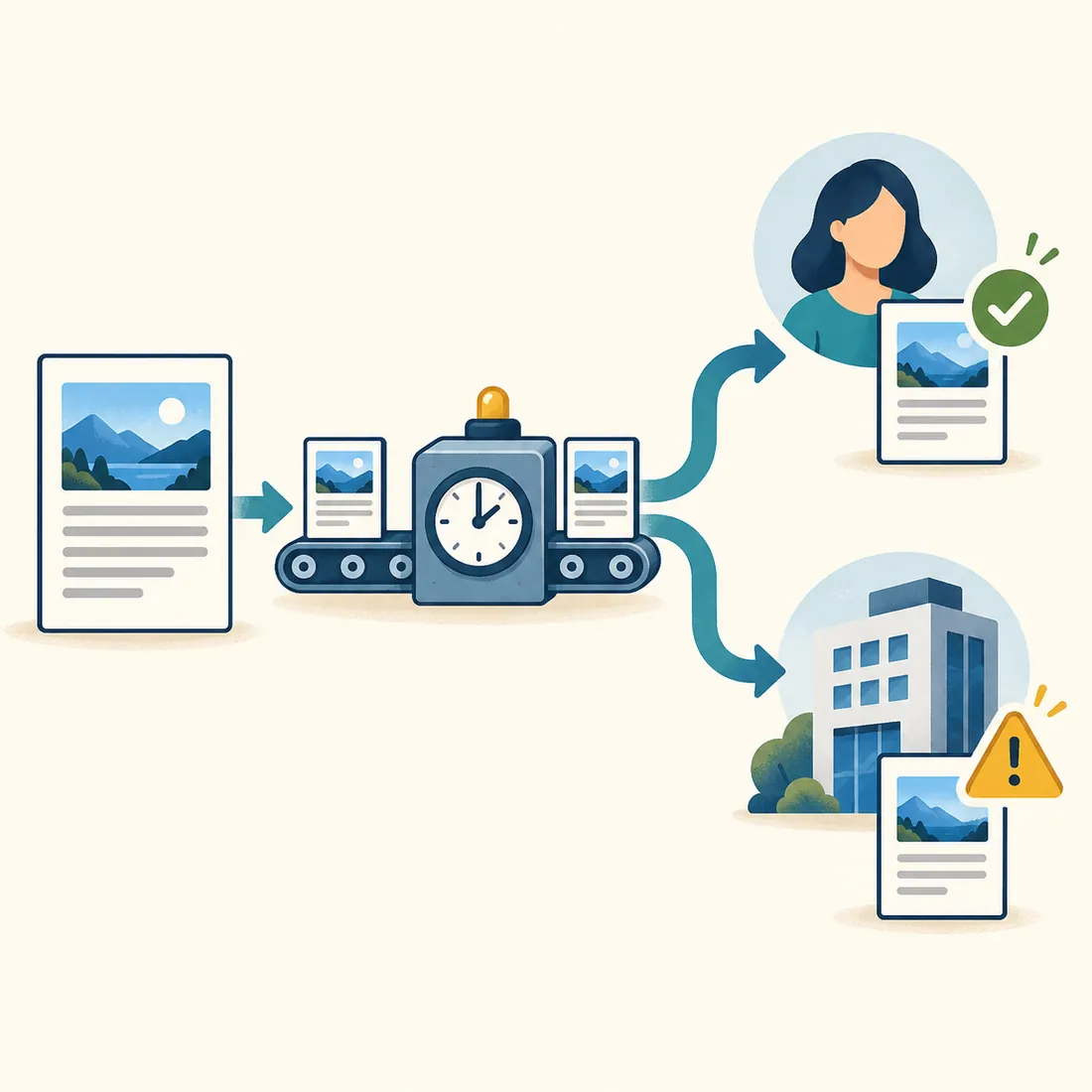
Illustrated example: the profile receives the update, but the company page needs attention. One success does not confirm both.
A gallery choice can change your website too.
When the plugin selects a gallery image, it also makes that attachment the WordPress post’s featured image. The same photograph can therefore appear in your LinkedIn update and your website’s article lists.
Gallery selection advances through the configured images, then starts again. The rotation stays put when a featured or content image takes priority. A retry can select another gallery image.
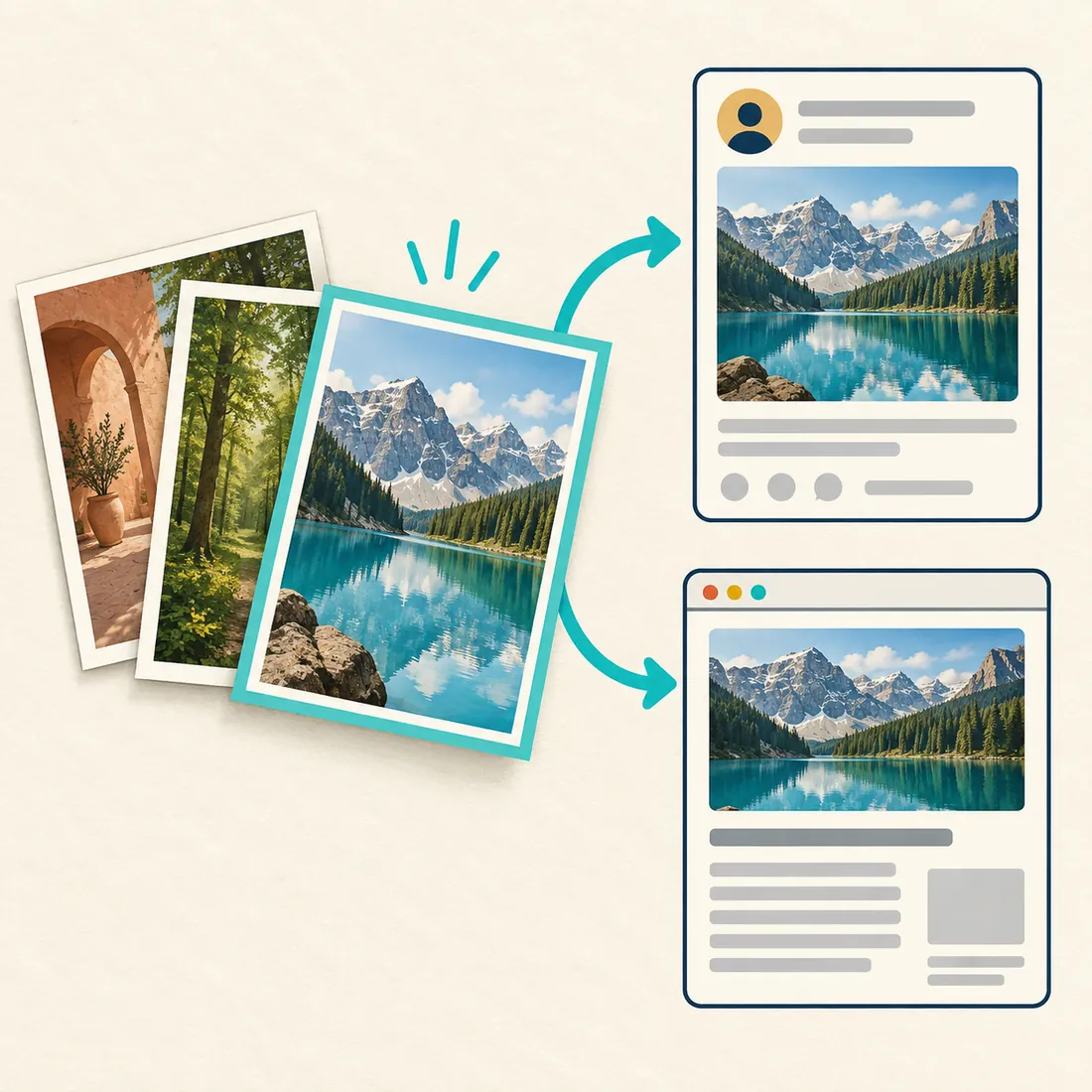
The selected photograph is reused in two places: the social update and the website article. Choose the gallery with both in mind.
Choose which image takes priority
Featured first
Keep the post’s featured image when available. Otherwise use its first content image, then the gallery, then a configured default image or the site logo.
Gallery first
Use the next gallery image first. If it is unavailable, try the featured image, the first content image, then the configured default or site logo.
Gallery only
Use the selected gallery image and skip sharing if it is unavailable. This mode does not substitute a default image or logo. If an image upload fails after selection, the update can still be posted as text only.
Give the update its own short summary
Write a manual WordPress excerpt when the LinkedIn update needs a sharper introduction than the article’s opening. Without an excerpt, the plugin prepares text from the article, removes markup, and keeps paragraph breaks.
Use
{title}, {excerpt}, and {author} in your template. For example: the title, a blank line, the excerpt, then the author’s name. The complete text is shortened to 3,000 characters when necessary.Decide where the reader should go next
The plugin does not automatically add the article URL, a link preview, or a first comment. The template has no
{url} field. Add any follow-up link yourself and choose the approach that serves the post; no format guarantees reach.LinkedIn documents a 3,000-character limit for posts. Keep the essential point near the beginning so shortening does not remove it.
Connect, configure, then check a real result
You need WordPress 5.4 or later, PHP 7.4 or later, and a LinkedIn developer app with access to the products and permissions for your chosen destination. LinkedIn controls that access; installing this plugin does not grant it.
1. Connect the right account
Open Settings → Autoposter for LinkedIn. Add your client ID and secret, register the exact redirect URL shown by the plugin in your LinkedIn app, and connect the account that can publish to the intended destination.
2. Choose the destination and content
Select the profile, company page, or both, then save the allowed languages for each. Choose eligible post types, an image mode, and a text template. Company publishing needs an authorised page role and
w_organization_social; personal publishing needs w_member_social.3. Publish an eligible post
Sharing is queued when a post enters published status. Editing a published post does not share it again; changing language choices does not reshare old posts. Queued jobs use the choices in effect when they run. Use the editor’s opt-out checkbox to keep a post off LinkedIn.
4. Read each destination’s result
Read the queue, recorded attempt, and resulting LinkedIn update. Existing installations initially allow their configured website languages: save explicit choices to exclude languages added later. Reconnect when the plugin reports an expired or unusable connection.
Administrators using the WordPress Abilities API can inspect
linkedin-autoposter/get-status and linkedin-autoposter/get-post-status. These read diagnostics and do not send posts.See the official LinkedIn Posts API documentation for permissions. Credentials and tokens are stored in your WordPress database; the selected text and image are sent to LinkedIn for sharing.
Make sharing part of your publishing routine
Install the plugin, choose a deliberate image and text template, then check both the website and LinkedIn after your first share.