
Google Business Profile
Help nearby customers choose your business
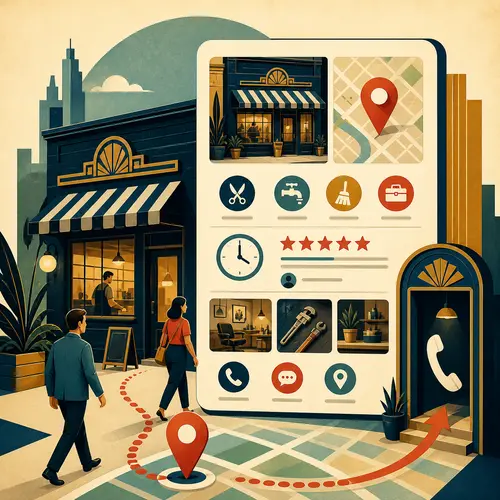
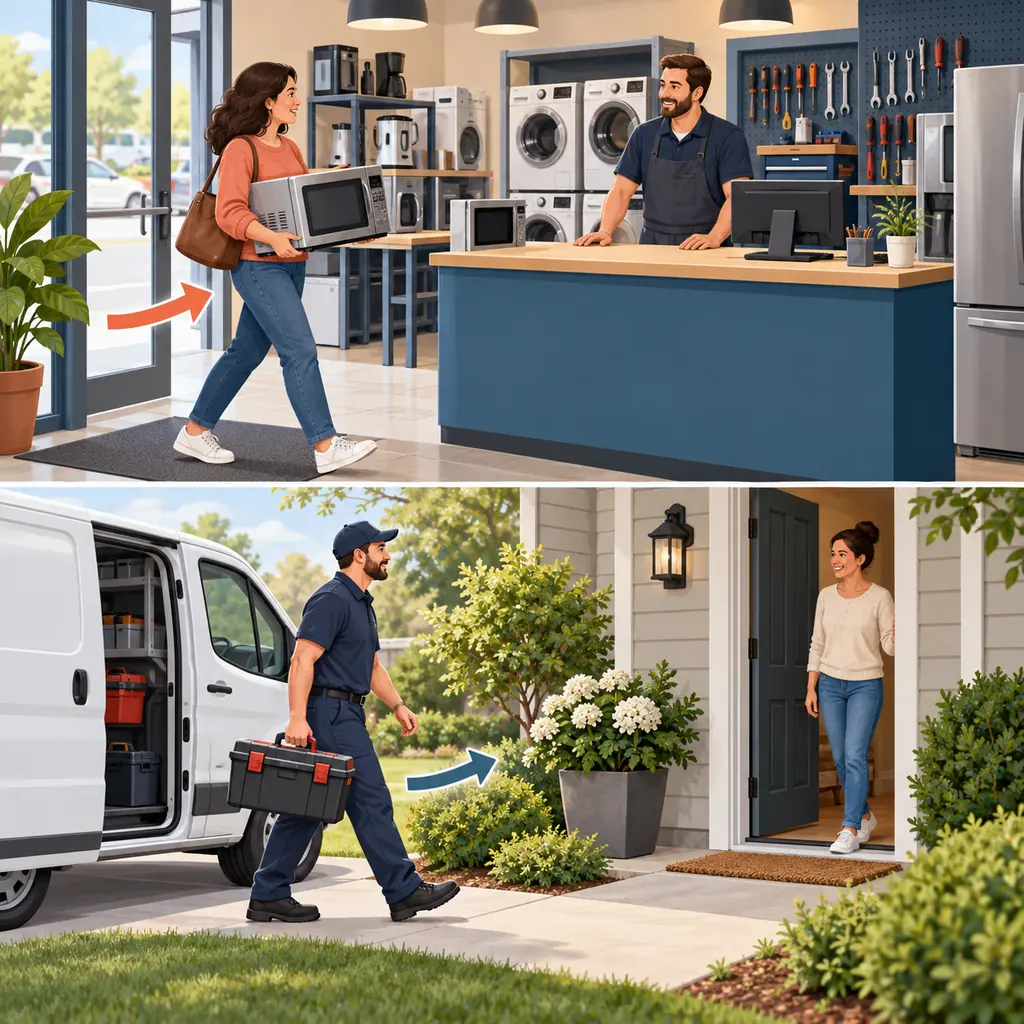
Customers visit the shop; the mobile repairer visits them. Show the correct route to the service.
First, show where you actually meet customers
A profile generally requires in-person contact with customers. An online-only business does not qualify simply because it serves a particular city. Check Google’s eligibility rules for exceptions.
Customers visit you: show an eligible, staffed business location with permanent signage. Keep the address and visiting hours accurate.
You visit customers: if you do not receive customers at your base, hide that address and name the areas you genuinely serve. A business that does both may show its location and service area.
For example, a repair shop may welcome customers at its counter, while a mobile repairer visits their homes. A home address is not automatically a customer entrance. Follow the service-area rules.
Remove the reasons a customer might hesitate
1. Make the service clear
Use the name customers know from your real business. Choose a specific primary category for the main activity, then add only relevant secondary categories. Describe actual services; do not stuff services or locations into the business name.
For a repairer, “washing-machine repairs” is useful. “The best local service” does not tell a customer whether you can help. Follow Google’s name and category guidelines.
2. Prevent a wasted journey
Check the map location or service area, regular hours and special opening hours. Compare them with the website and with what staff tell callers. Update changes before customers rely on the old information.
3. Show real work and honest feedback
Use current photographs of the premises, team or work. Invite customers to describe their own experience, without rewards, a requested rating or a script for the review. Do not select only happy customers or pressure people to write a review on the premises.
A neutral request could be: “You can share your experience of our service on Google here: [review link].” Reply to the specific feedback without exposing private customer details. See Google’s review policy.
4. Test the next step
Tap the phone, website and any booking link. Check that each reaches the right business or service, works on mobile and gives the customer a clear next step. A booking button is no help if its destination has no usable appointments.
Contact features vary. Add WhatsApp or text messaging only if your profile offers it and someone can answer. Google’s old profile chat and call history ended in 2024.
Keep control when staff or agencies change
Look for an existing profile before creating another. Claim it and complete the verification methods Google offers. The available methods vary; verification is not a ranking guarantee.
The business should retain primary ownership. Give staff or an agency their own manager access instead of sharing the owner’s password. Remove access when it is no longer needed.
Assign someone to review public details after each business change and to check links and feedback regularly. Keep your website and customer records usable outside Google too; the profile is a route into the business, not the whole business.
Accuracy helps. It does not buy a position.
Google describes three main influences on local results: how well the business matches the search, its distance from the searcher, and how well known it is. Complete information helps Google understand the business; links and reviews can contribute to how well known it is.
You cannot request or pay Google for a better organic local ranking. Treat a promise of first place as a warning sign. An agency’s fee pays for its work, not a guaranteed position in Maps.
A call-button click is not a new customer
Google’s performance report records interactions. Interpret each number before using it to judge results:
- Calls: clicks on the call button, not proof that someone answered.
- Directions: requests for a route, not confirmed visits.
- Website clicks: clicks to the site, not completed enquiries.
- Bookings: completed bookings reported through a booking provider, not attendance or revenue.
Compare the same period with your own enquiries, appointments and sales. The available metrics vary, and the report can include activity from both organic results and Google Ads.
If call-button clicks rise but bookings do not, check whether calls are answered and whether callers need a service you offer. That gives you a specific question to investigate, not a reason to declare the profile a success or failure.
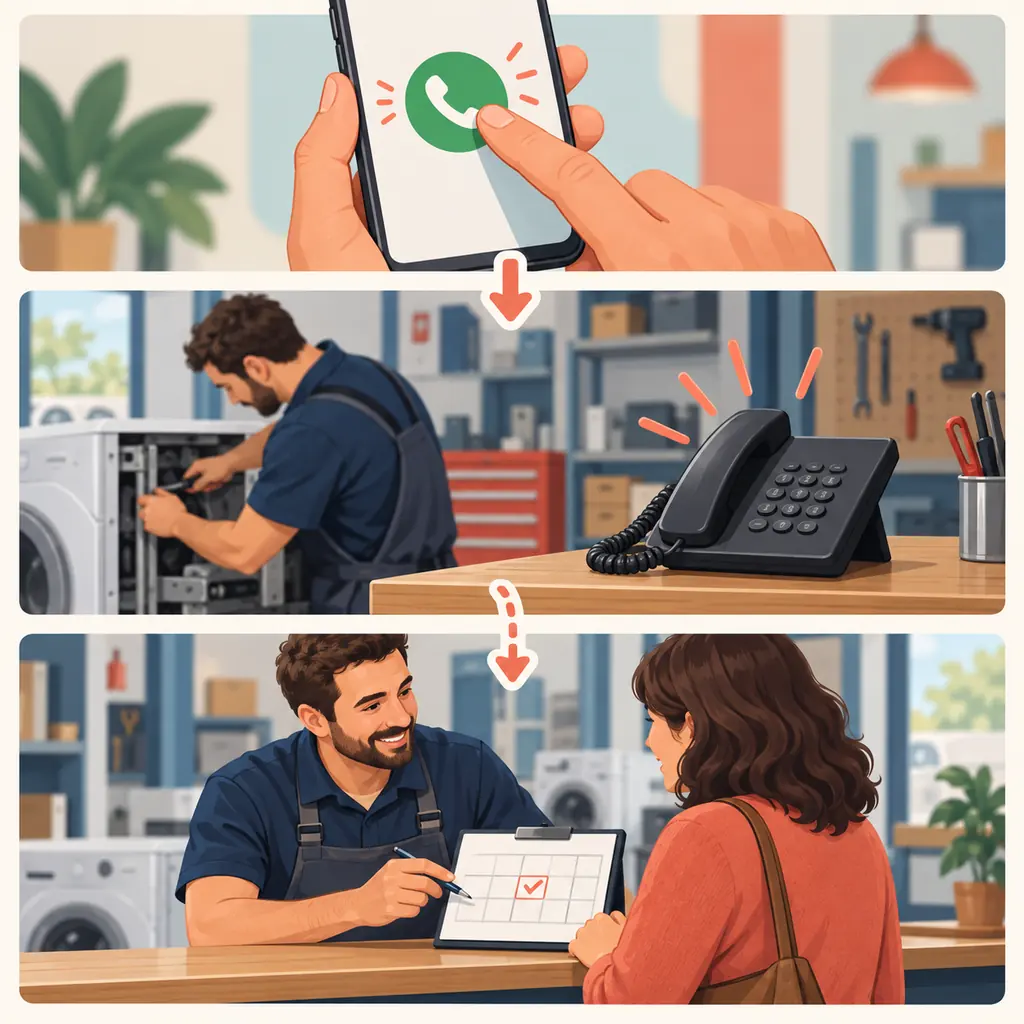
The dotted path is not automatic. Interest must become a conversation before it can become a booking.
Find what stops local enquiries
Share your profile link, website and service area. We can help identify unclear details, broken contact paths and the next useful fix.