MCP Abilities - SitePress lets an AI client maintain WPML translations in WordPress

MCP Abilities - SitePress lets an AI client maintain WPML translation relationships in WordPress.

Requires WordPress 6.9 or later, PHP 8.0 or later, and an active WPML installation.

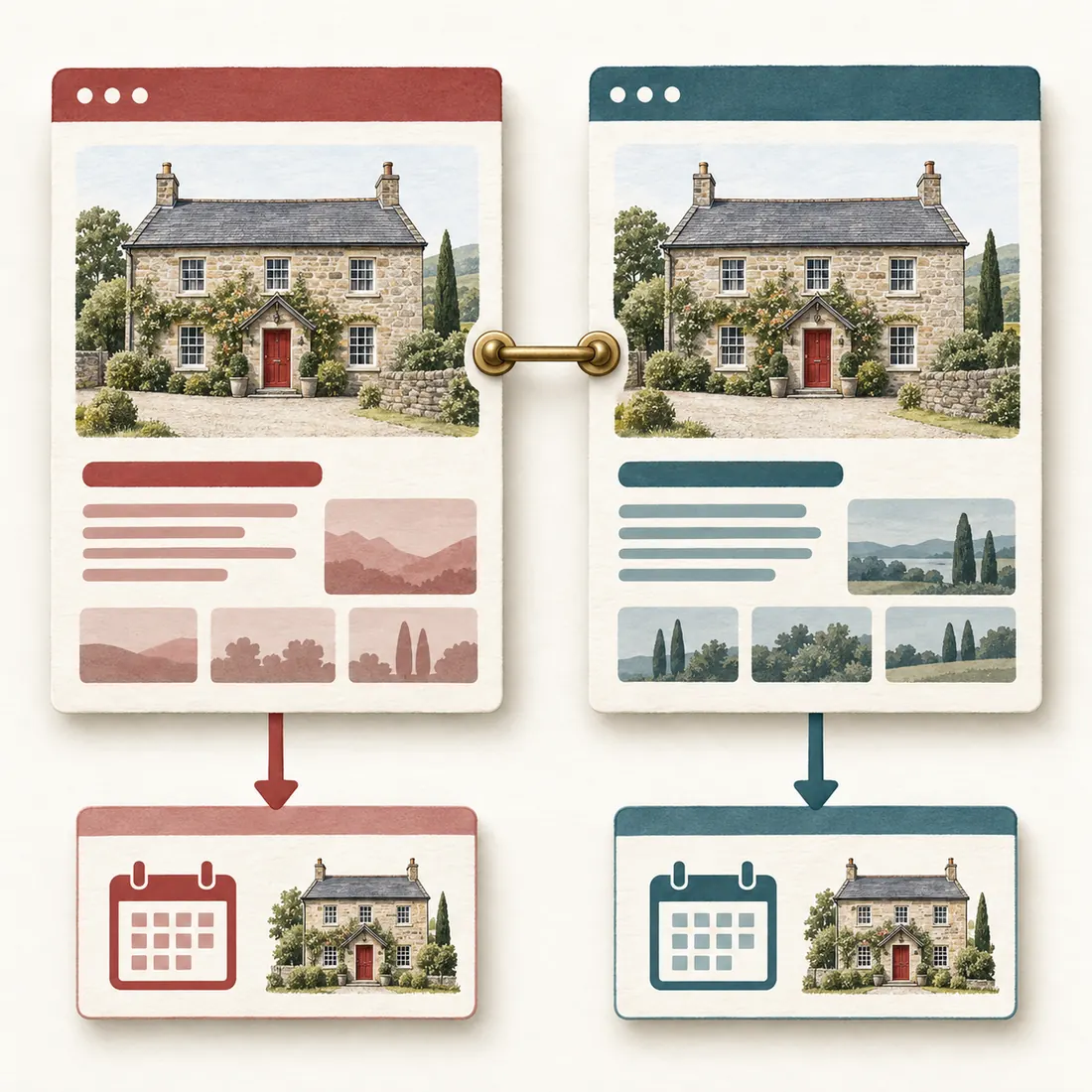
Art Deco industrial translation mapping machine representing MCP Abilities - SitePress for WPML relationships and integrity checks

Keep WPML as the multilingual authority

WPML owns the language and translation-group state, while SitePress exposes focused WordPress operations around it.

The governing idea

Separate translation identity from translated content

WPML’s translation relationship identifies the source and target. Localized content and visitor output show whether that relationship is useful.

01

Identity

The translation group identifies which source and target belong together, while language details show how each item is registered.

02

Content

Localized URLs, taxonomies, text, and media make the mapped item useful to readers in its language.

03

Output

The target-language links and frontend assets must deliver the intended localized surface after the relationship is mapped.

Discovery

Find the item before you decide what to change

Identify the source, target, existing relationship, and language context before a mutation.

Establish before a mutation

Active languages

See which languages WPML currently exposes before choosing a target language.

Language-scoped content

List the pages and posts belonging to the selected language.

Language-scoped terms

List the taxonomy terms belonging to the selected language.

Translation status

See which page translations exist and the status each one carries.

Translation groups

Inspect the source and target members of a post or term translation group.

Element language details

Confirm the language and translation identity recorded for the item you may change.

Reusable candidates

Find an existing item that can be reused instead of creating a duplicate.

Decision point

Use the evidence to name the exact source or target item and its language context before a mutation.

This evidence gives the change a language-aware target instead of a guessed one.

Mapping

Create or link the target without breaking identity

Attach each operation to the WPML relationship already owning the source and target.

1

Create the shell

When the target is missing, create the appropriate page or post translation shell in the requested language.

2

Register language details

Set the target item’s language and translation-group details against the confirmed source context.

3

Link an existing item

When a suitable target already exists, register it in the correct group instead of creating another copy.

4

Update localized context

Maintain the translated URL, categories, and primary category in the target language context.

5

Verify the target

Read the resulting group and target-language details again before treating the relationship as complete.

Audits

Test the localized surface before you repair it

Check translated content and the links or assets that a localized visitor will receive.

Check the evidence

Untranslated fragments

Detect source-language fragments that have been carried into translated content.

Targeted translated-link audit

Inspect translated links for one identified item and enable a fix only when the audit names the intended change.

Batch translated-link audit

Run the same translated-link check across the selected translated posts to expose repeated stale destinations.

Missing or stale coverage

Report translations that are missing or no longer match the expected coverage.

Translated content and URLs

Audit translated text and localized URLs for source-language carryover, stale links, or incorrect destinations.

Galleries and frontend assets

Audit translated gallery membership, media captions, and the gallery assets the localized visitor receives.

Audits remain read-only unless an explicit fix is enabled, and any repair must identify the affected item and language context.

Recovery

Restore a damaged WPML language switcher deliberately

Recovery changes stored multilingual state, so administrator permission is required.

Build the recovery record

Current settings

Inspect the stored language-switcher settings.

Available slots

Inspect the registered language-switcher slots and their placement data.

Structural validation

Validate that the settings and slots have the expected structure.

Controlled reset

Reset the stored option only when the evidence justifies removing the damaged state.

WPML rebuild

Rebuild the language-switcher settings through WPML and validate the resulting structure.

Inspect and validate before resetting. Rebuild only after the stored option has been deliberately reset, then validate the rebuilt structure.

Media maintenance

Repair the assets that make a translation visible

Keep simulation separate from repair, and make every media permission and regeneration choice explicit.

Elementor language assets

Audit language-specific Elementor assets and identify the localized asset state that needs attention.

Translated gallery audit

Inspect translated gallery media and expose mismatches without changing them by default.

Targeted gallery repair

Repair gallery thumbnails and metadata only for the identified gallery. Use a dry run first when you need to see the proposed repair, then enable repair explicitly.

Selected media text

Update the chosen media captions or other selected text fields in the intended language context.

Force and permission

Regenerate existing valid image sizes only when force is explicitly enabled. Media changes require upload permission, and a gallery page change also requires permission to edit that page.

Optional integrations

Keep targeted integrations outside the WPML core boundary

These narrow operations apply only when the matching integration is present. WPML remains the multilingual state owner.

Use them for

One exact Yoast Premium redirect

Remove the specific matching redirect when it blocks the intended localized route. This targeted action requires administrator permission.

One translated Contact Form 7 form

Update the selected translated form template and locale with the matching content-edit capability while leaving unrelated forms and WPML translation groups untouched.

The redirect removal requires administrator permission. The form update follows the matching content-edit permission and leaves unrelated forms and WPML translation groups untouched.

Honest boundary

WPML remains the multilingual authority

WPML owns the language, translation-group, translated URL, language-switcher, and multilingual content state used by SitePress. SitePress gives an AI client typed WordPress operations for inspecting and maintaining the relationships, routes, assets, and integrity checks around that state.

Every operation requires an authenticated WordPress user. Translation reads and content operations require the relevant page, post, or item editing capability. Language-switcher recovery, translation linking, and removal of one exact Yoast redirect require administrator permission. Media changes require upload permission, and changing a gallery page requires permission to edit that page.

Requirements

Install the native stack SitePress extends

Each dependency has one job in the runtime. Confirm the requirement and ownership before installation.

6.9 or later

WordPress 6.9+

Provides the native Abilities API and the WordPress content, taxonomy, media, and permission interfaces used by the plugin.

8.0 or later

PHP 8.0+

Provides the minimum runtime required by the plugin.

Exposes the registered public abilities through the controlled Devenia MCP surface.

Installed and active

WPML

Owns the language, translation-group, translated URL, language-switcher, and multilingual content state used by every registered operation.

Next action

Download the tools for focused WPML maintenance

Download MCP Abilities – SitePress when you want an AI client to inspect and maintain WPML translation relationships, localized routes, and integrity in WordPress.