
Websites and blogs
One website. Two jobs for your content.
A service page helps customers find the facts they need. A blog post explains a question, tells a story or records an update. Both can belong on the same website.
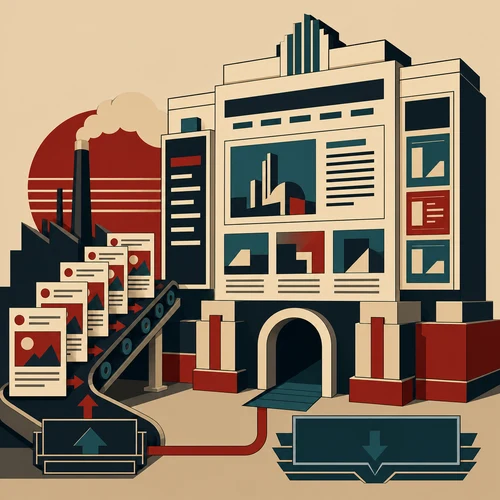
Give the essential facts a reliable home.
Imagine a bicycle workshop. Customers need its repair services, opening hours, location and booking details. Put these in easy-to-find pages, so nobody has to search old announcements to arrange a repair.
The same site can publish repair stories and practical guides. Those articles explain a particular subject; they do not replace the current service information.
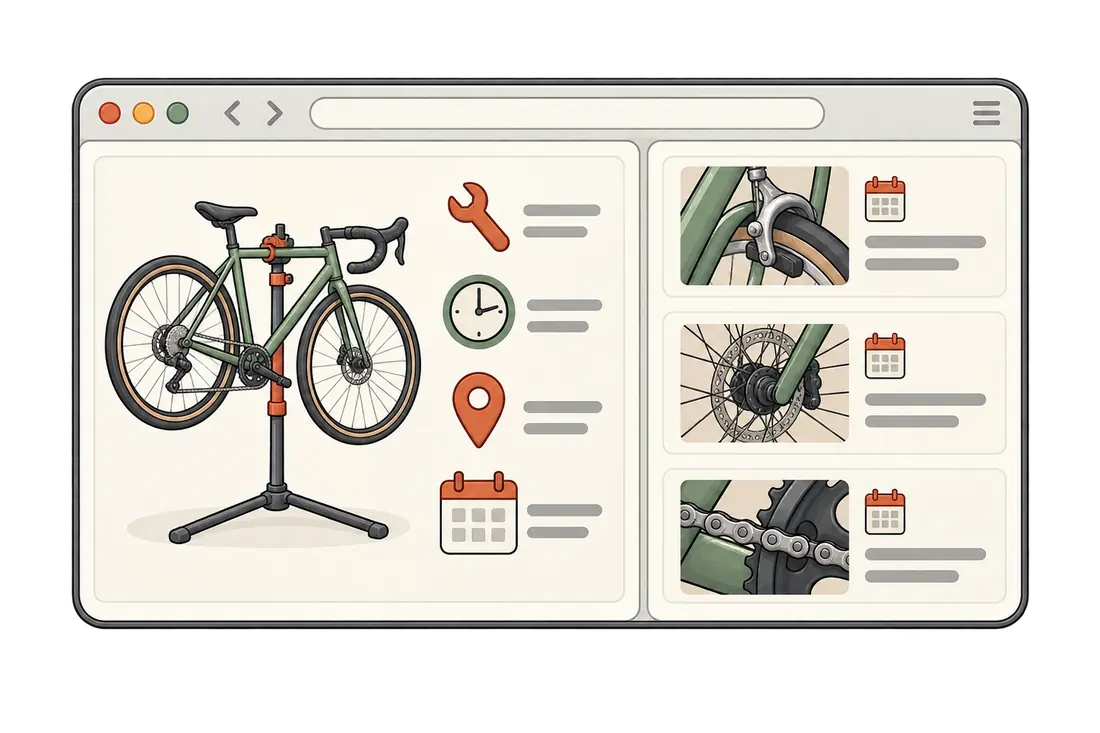
Choose the format by the reader’s task.
Start with what someone needs to find. The format should make that answer easier to reach.
A page: the current answer
- Which repairs does the workshop offer?
- Where is it, and when is it open?
- How can a customer book or request an estimate?
A post: a focused explanation
- What details help describe an unfamiliar noise?
- What happens during a chain replacement?
- What did a particular repair reveal?
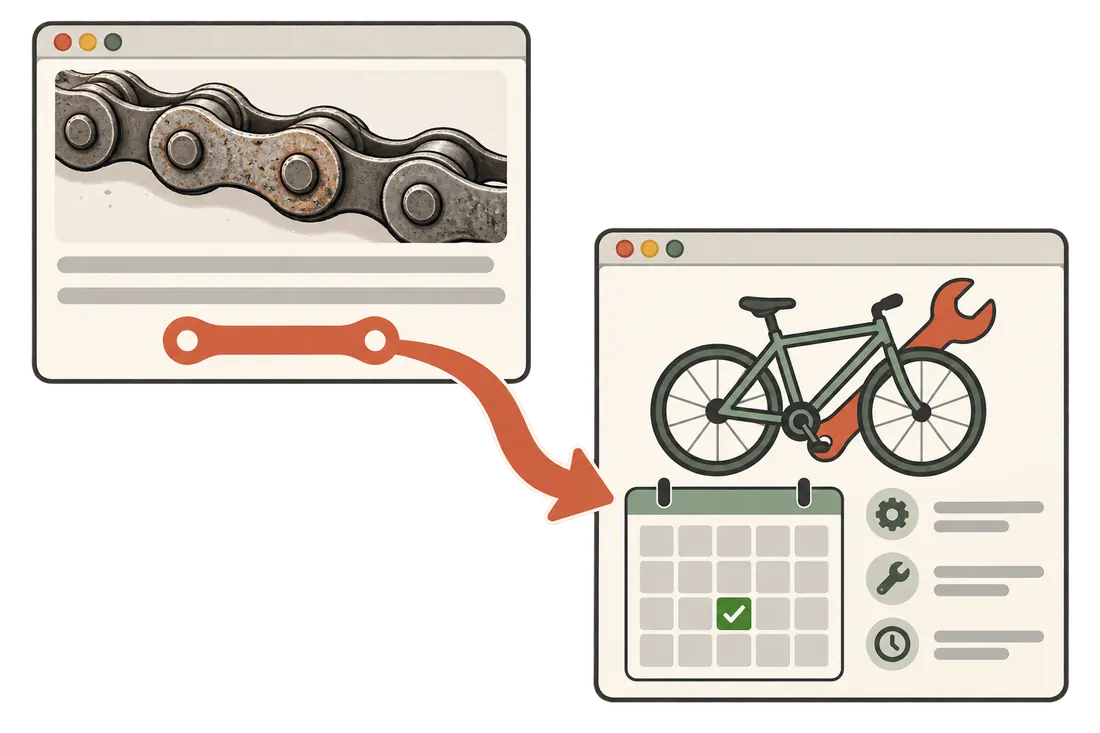
Let a useful article lead somewhere useful.
A story about a worn chain can explain why the workshop checks the rest of the drivetrain. A reader who needs help should then be able to reach the relevant repair and booking information directly.
Name that destination. A link such as See our chain-replacement service tells the reader more than Click here. Send them to the relevant page, where the details can be kept current.
Keep the information people act on current.
Before planning more posts, check the pages customers rely on. A useful article cannot compensate for missing booking details.
Update the place people rely on.
If opening hours change, update the current hours on the contact page. A holiday announcement can explain an exception and link there; it should not leave readers comparing old notices.
Keep historical dates honest.
A past event is still past. Preserve the original date and add a clear update when needed. Do not change an event’s date just to make the article appear new.
Give each article a clear topic.
Group articles under a few recognisable topics, such as repair guides and workshop news. Check whether someone can find a particular answer without opening every post.
Questions before you start a blog
Does every business need one?
No. Accurate service and contact pages come first. Add a blog when there are useful questions, worked examples or updates to publish, and someone can maintain them.
Are WordPress pages fixed once published?
No. Pages can be updated whenever their information changes. Posts normally appear in a dated stream; pages sit outside that stream. See WordPress’s page documentation.
Should old articles be deleted?
Review each one. A repair story may remain useful for years; an expired event should be marked as past. Correct outdated practical details and retain history that helps explain the story.
Explore more terms in the dictionary.
Make the next page easier to choose.
Send the website and the questions customers ask most often. We can help separate essential service information from ideas worth explaining in an article.